



Hagibis Floppy Disk NVMe SSD Enclosure
$4199
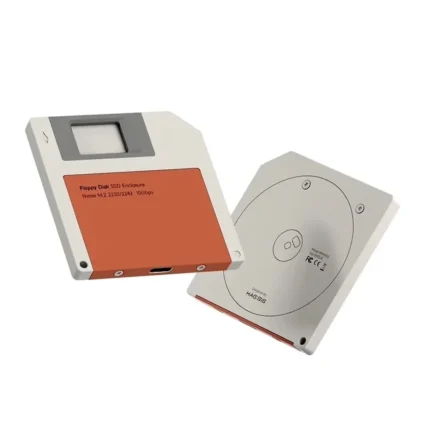
Hagibis NVMe SSD Enclosure with a Floppy Disk Design
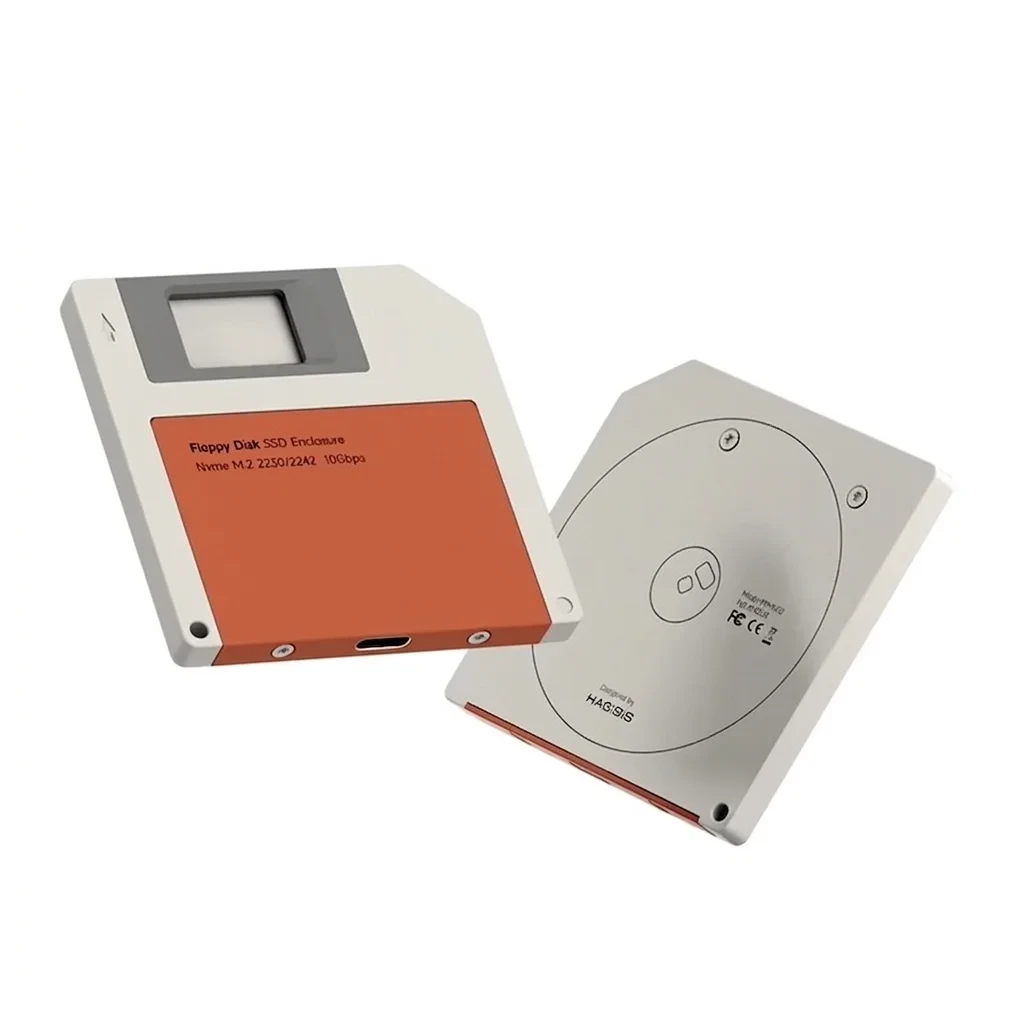
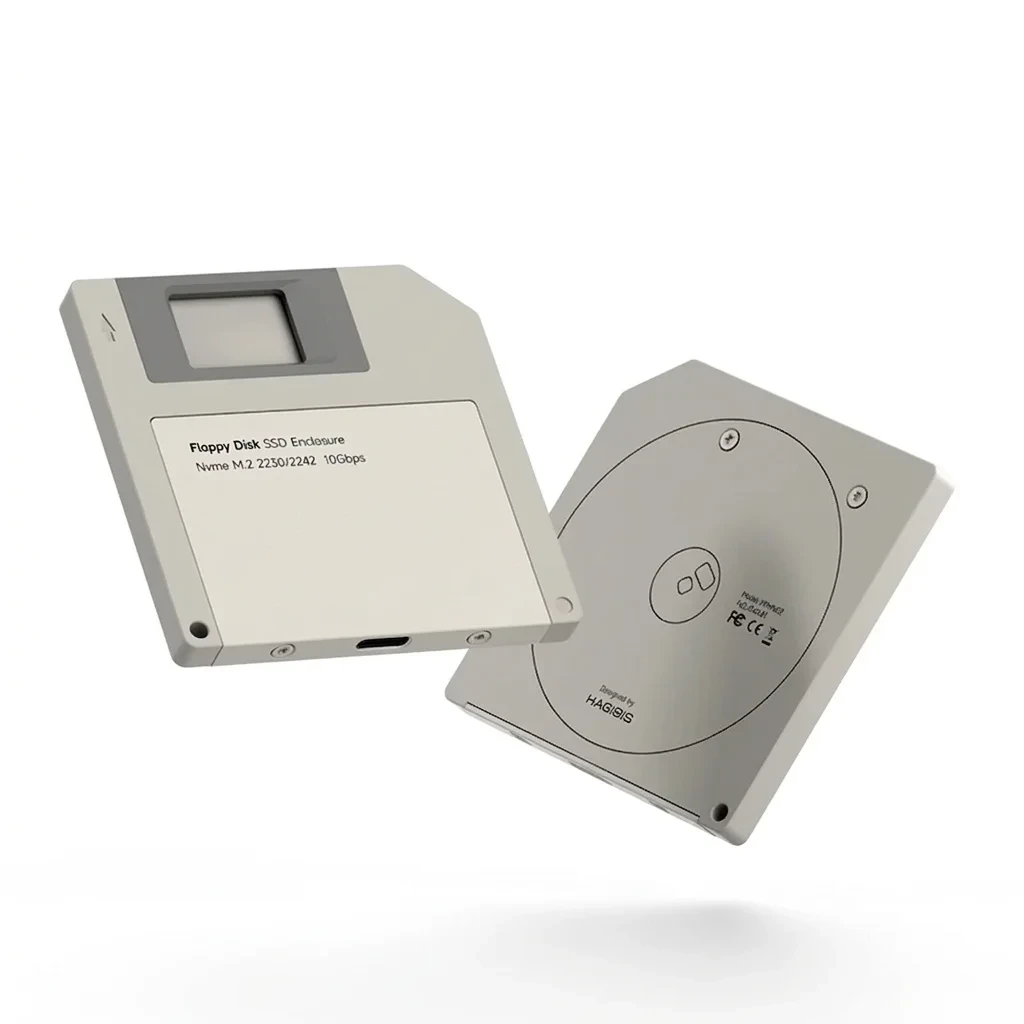
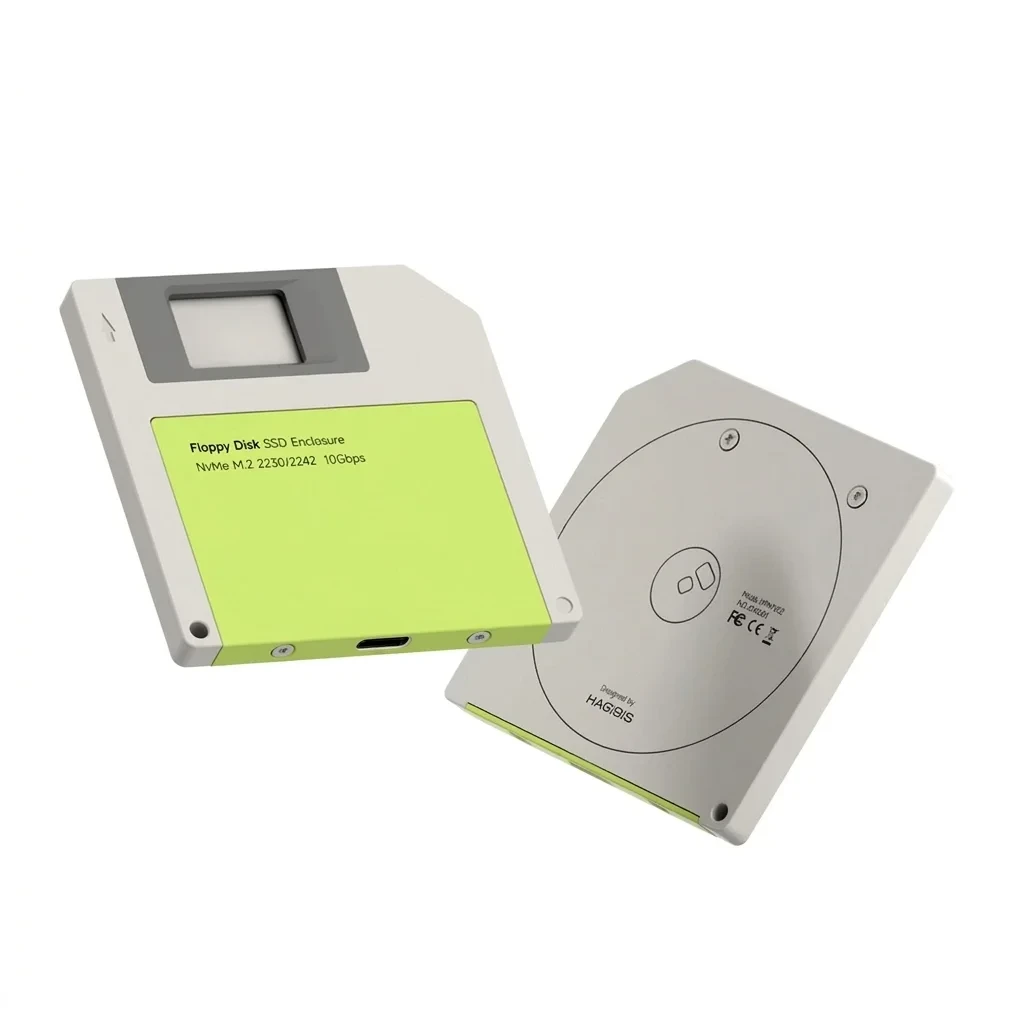
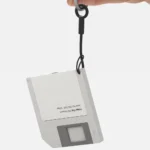
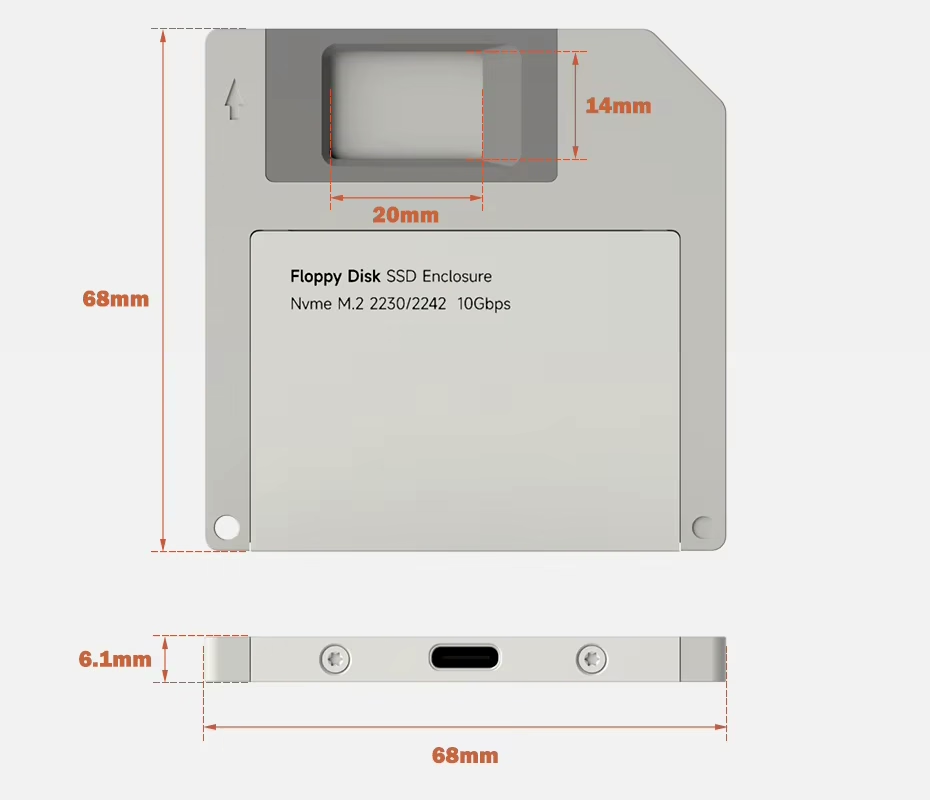
This Hagibis NVMe SSD enclosure turns an M.2 2230 or 2242 SSD into a USB-C external drive with speeds up to 10 Gbps. In addition, it's shaped like a 3.5-inch floppy disk, is only 6.1 mm thick, and weighs 53 g.
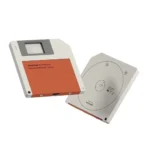
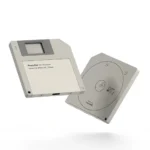
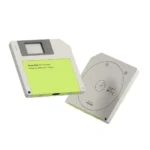
Available in gray, orange, and green.
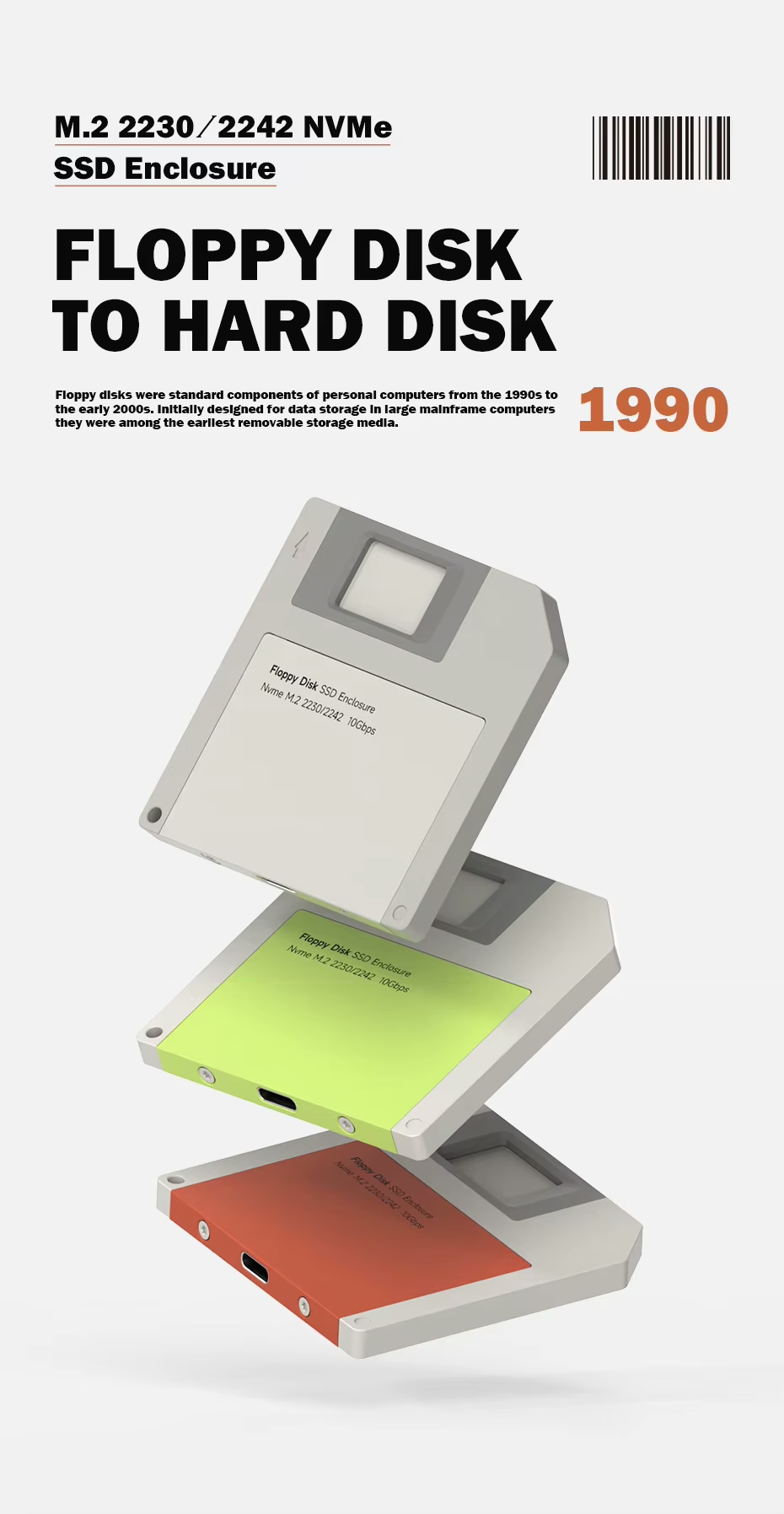
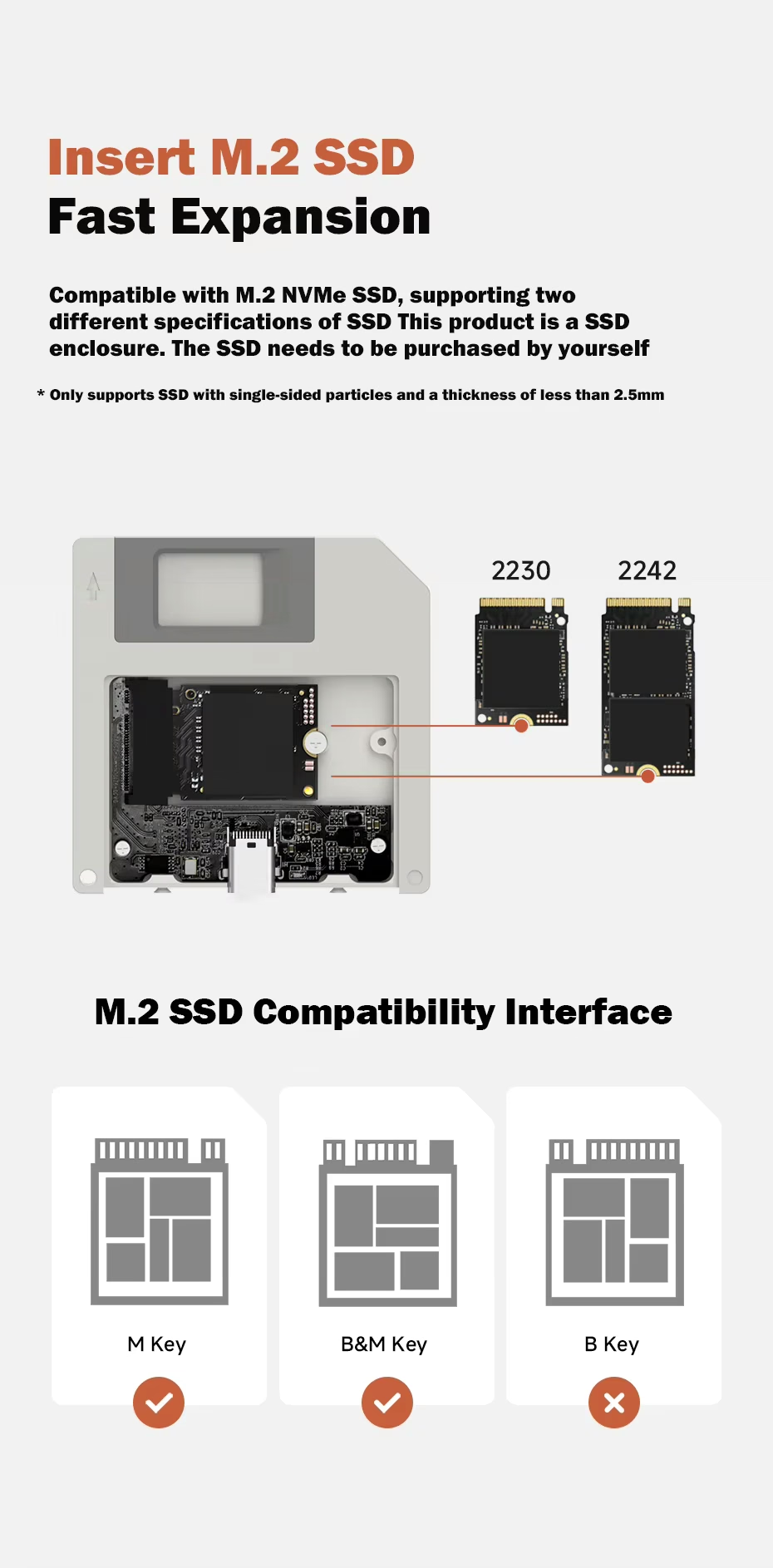
If it's an M.2 NVMe 2230 or 2242, like the ones in the Steam Deck, ROG Ally, or many thin laptops, this enclosure turns it into a USB-C external drive with speeds up to 10 Gbps. It just needs an M Key or B&M Key connector, chips on one side only, and a thickness under 2.5 mm.
Why Choose This Enclosure
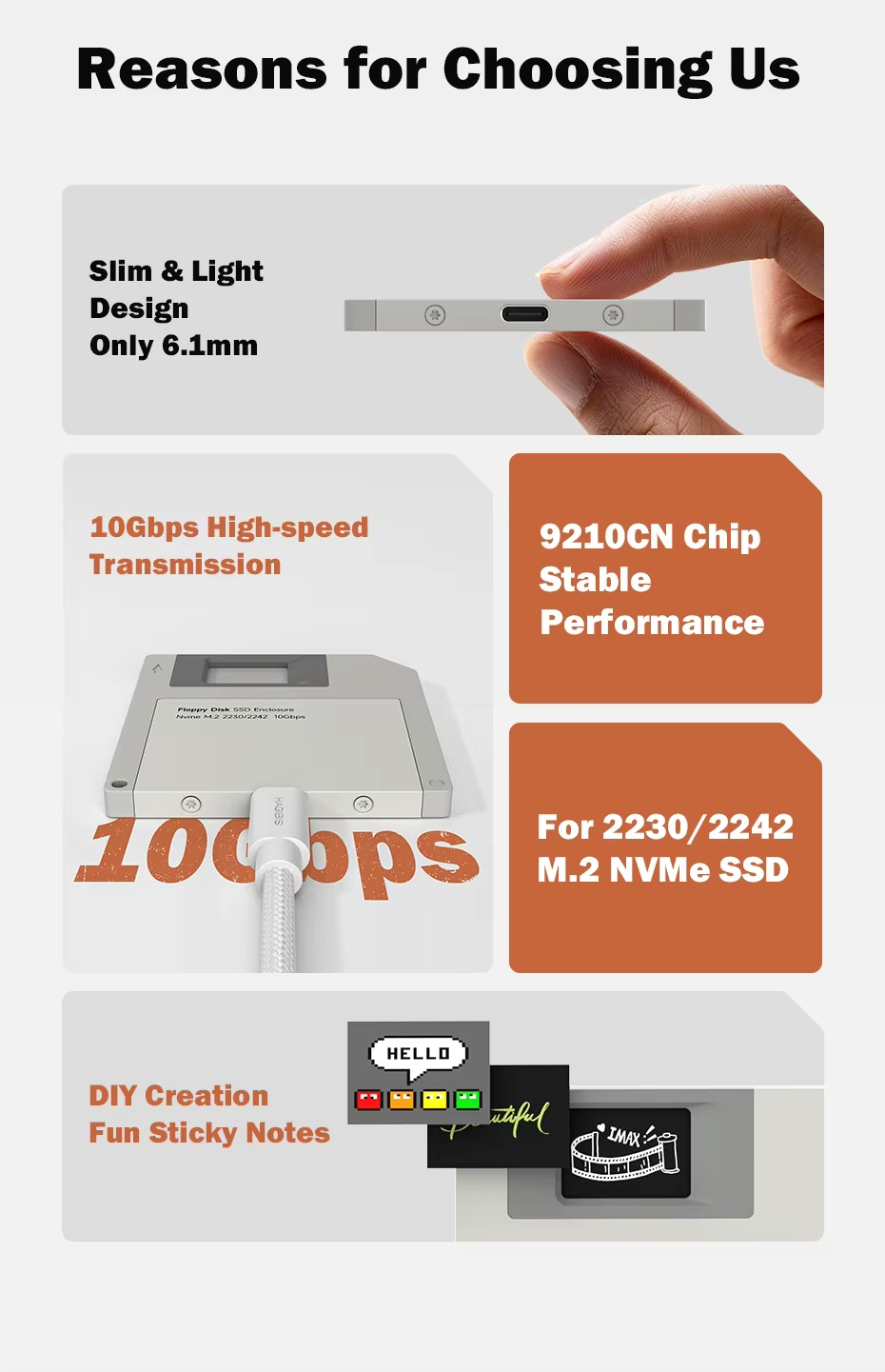
- Slim: only 6.1 mm thick and 53 g.
- Fast: USB 3.2 Gen 2 up to 10 Gbps.
- Stable: 9210CN controller chip.
- Customizable: front window for DIY cards.
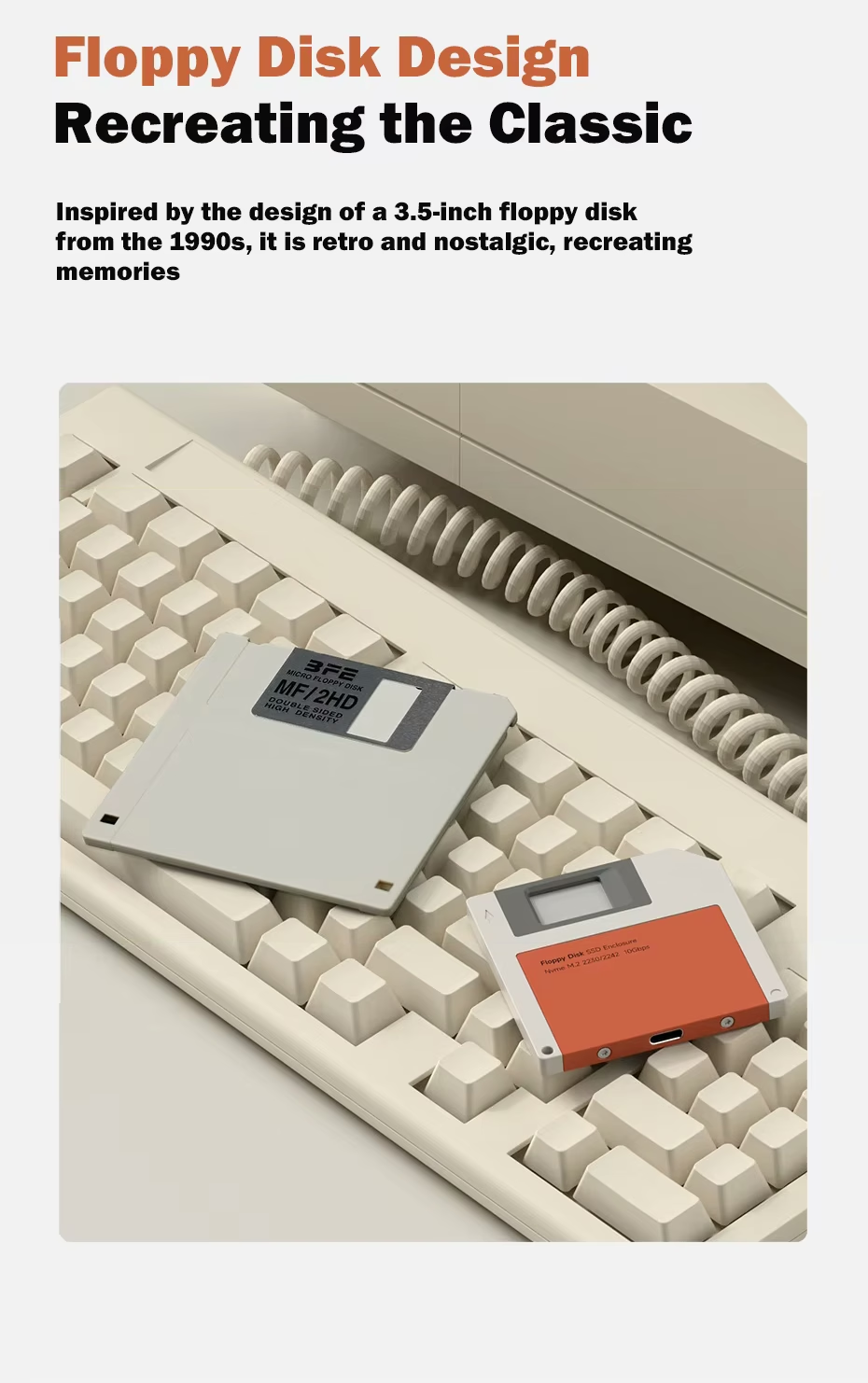
An NVMe SSD Enclosure Shaped Like a Floppy Disk
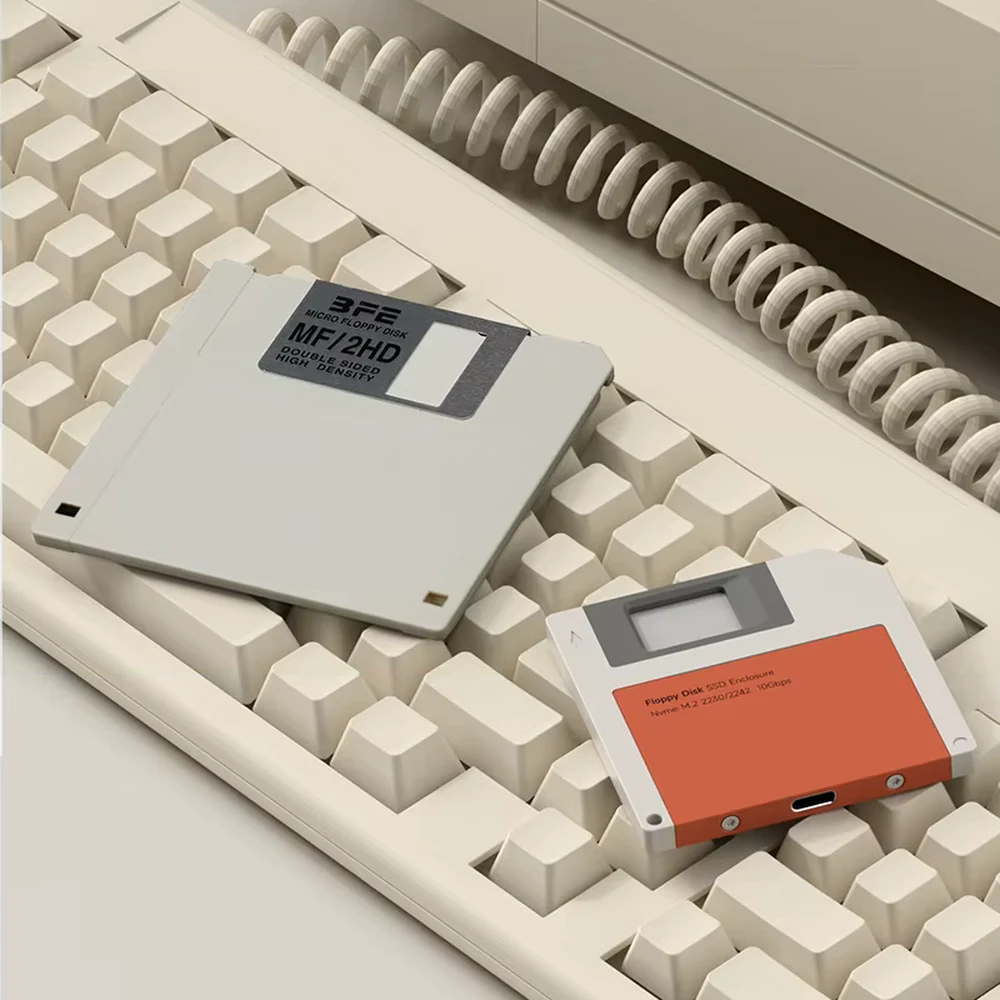
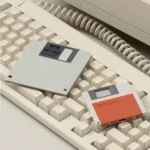
It recreates the floppy disk used in 90s computers, with the label, the metal shutter, and the cut corner. That's why it stands out on your desk and makes a great gift for anyone who grew up with those machines.
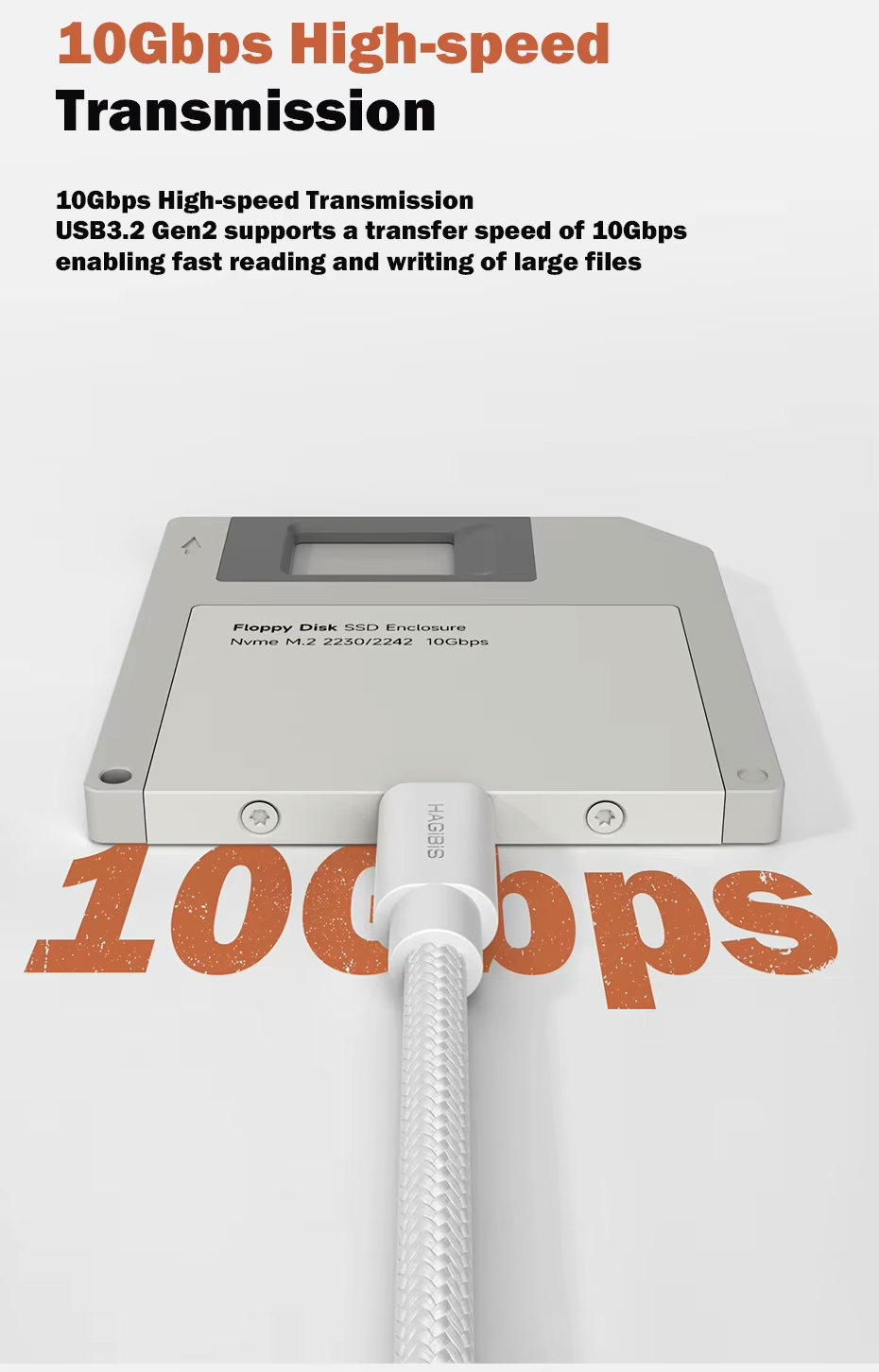
NVMe SSD Enclosure with Speeds up to 10 Gbps
It uses USB 3.2 Gen 2, with read and write speeds of 1000 to 1200 MB/s according to the manufacturer. That way, you can copy large videos and backups in seconds. However, actual speed depends on your SSD and your device's port. It also works with USB 3.1 Gen 1 and USB 3.0 ports, though at lower speeds.
Which SSDs Does This NVMe SSD Enclosure Support?
| Protocol | NVMe (M.2 PCIe) |
|---|---|
| Sizes | 2230 and 2242 |
| Compatible connectors | M Key and B&M Key |
| Not Compatible | B Key-only SSDs and SATA SSDs |
| SSD thickness | Under 2.5 mm, single-sided chips |
| SSD Included | No, sold separately |
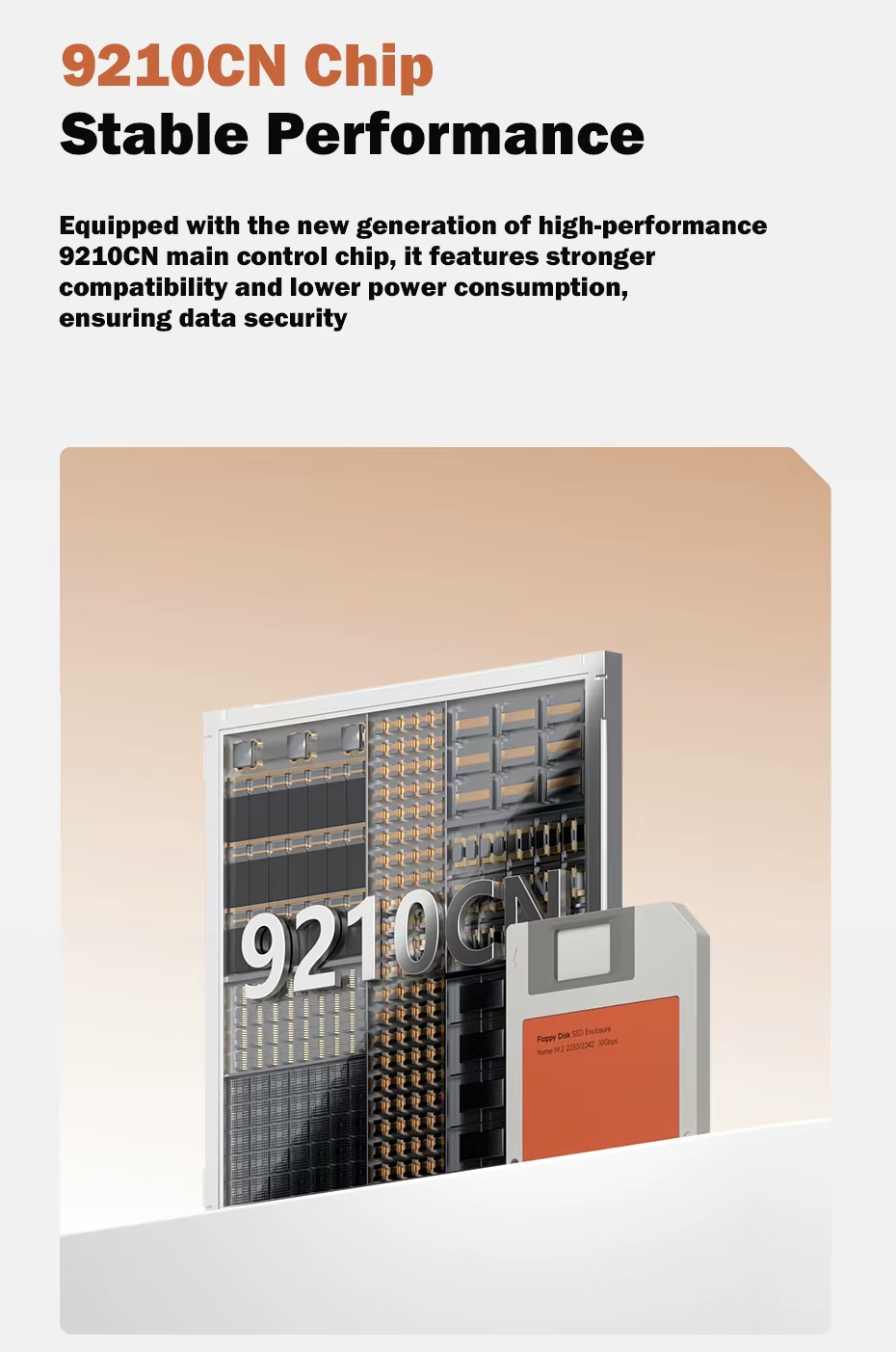
9210CN Controller Chip
The 9210CN chip is the bridge between the SSD and your device. Thanks to it, the enclosure reaches 10 Gbps and also uses little power, which matters when you connect it to a phone or tablet.
Aluminum NVMe SSD Enclosure
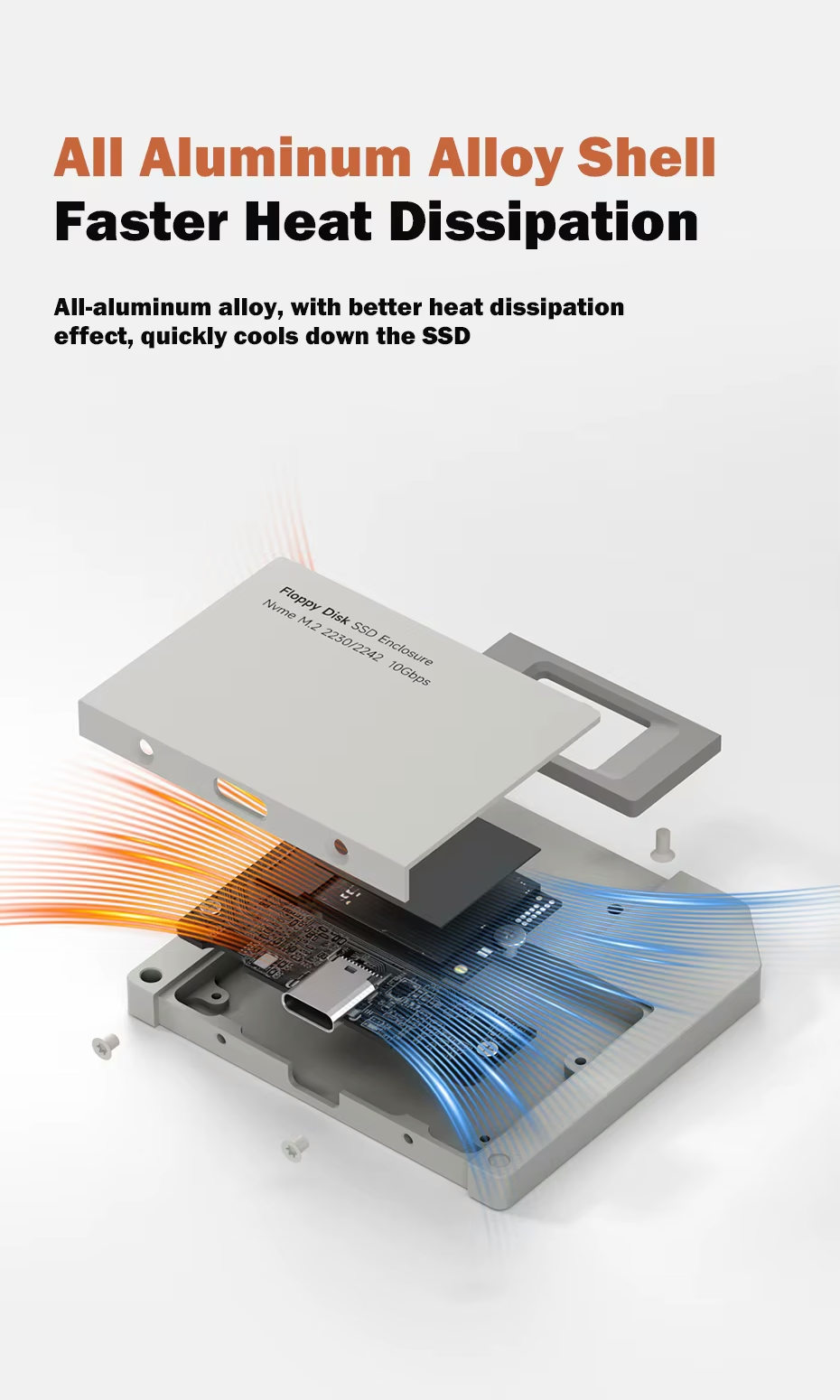
NVMe SSDs heat up when you copy large files. That's why the aluminum alloy body works as a heat sink and, together with the included thermal pad, helps keep the SSD from slowing down due to heat.
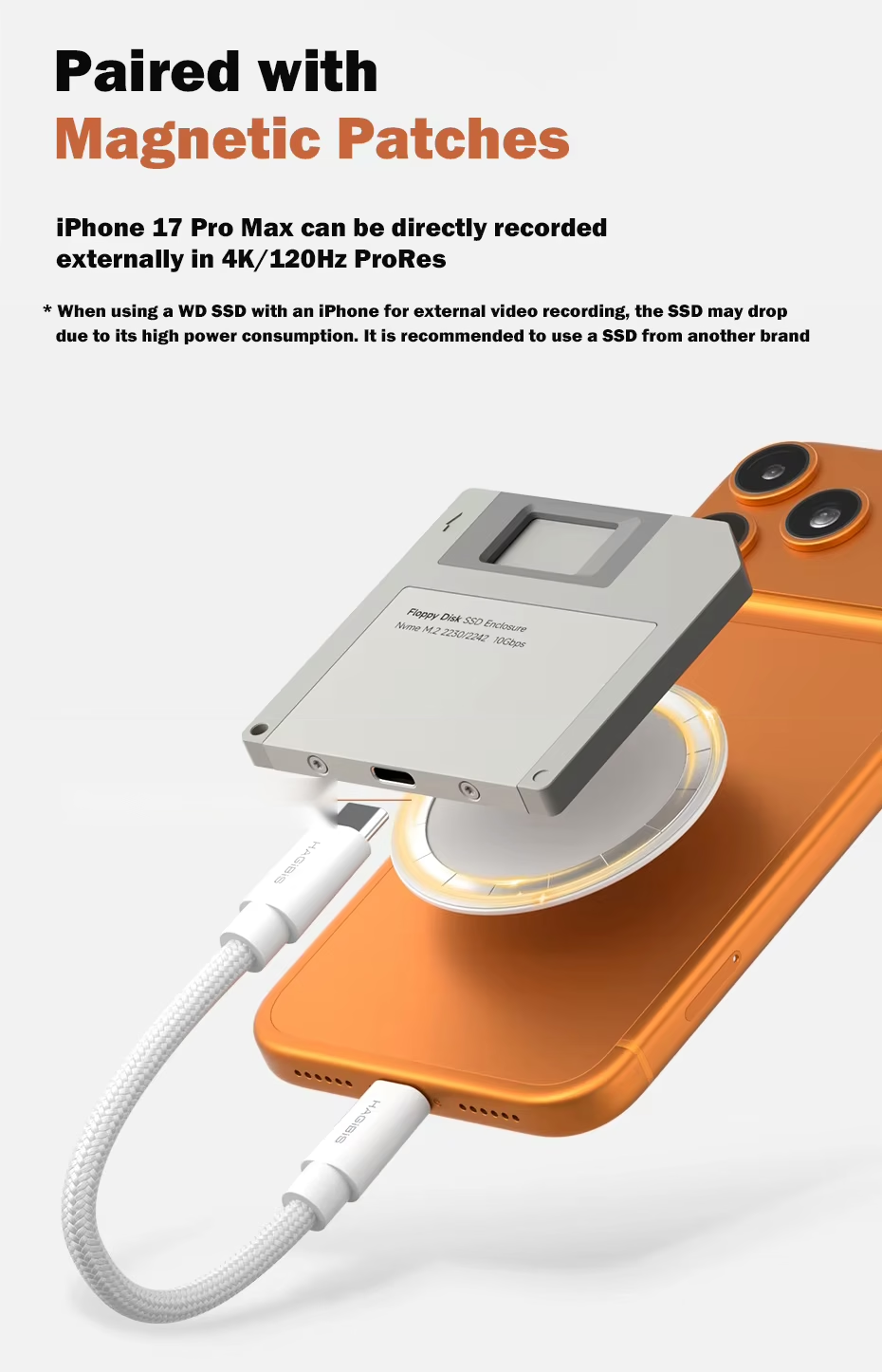
Record ProRes Video Straight from Your iPhone
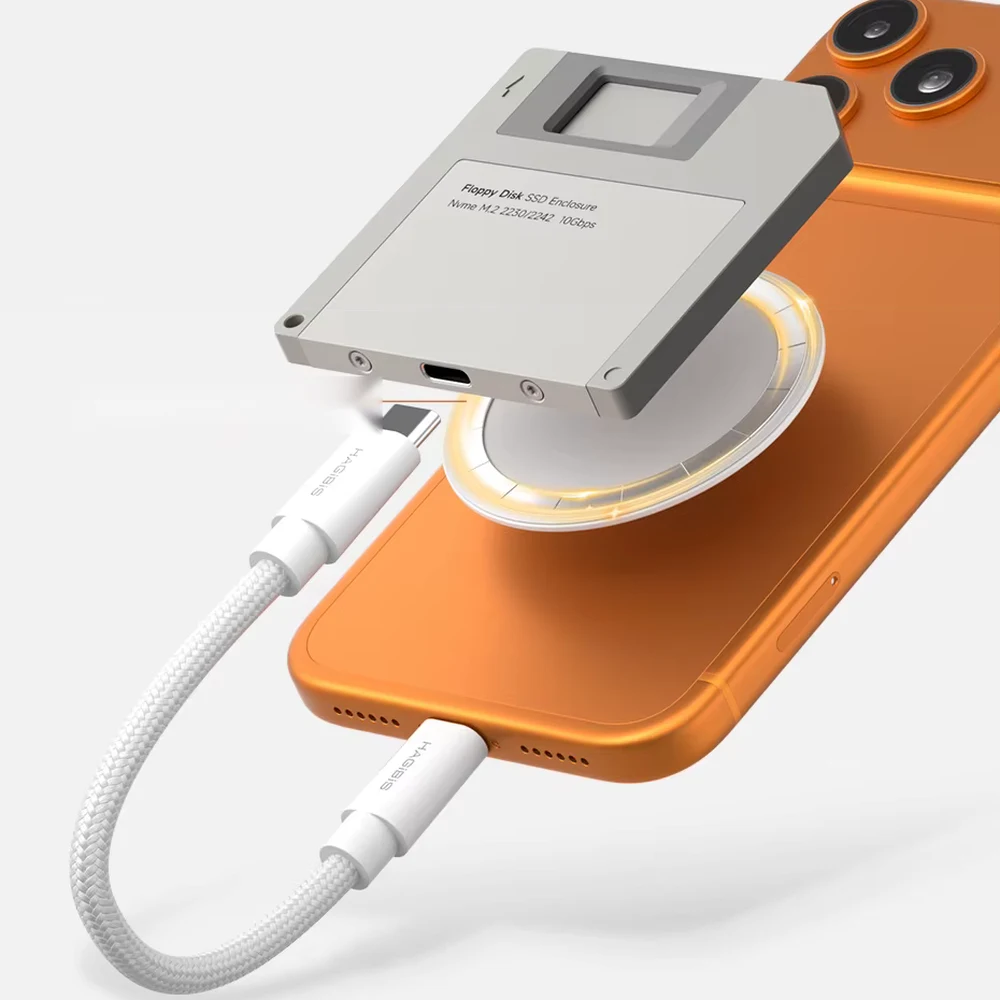
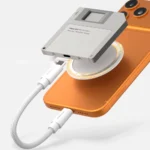
On iPhone 15, 16, and 17 Pro and Pro Max, you can record 4K ProRes video at 120 fps directly to the SSD without filling up your phone's storage. Plus, with a magnetic patch, you can keep it attached to the back of your iPhone while you film.
That said, avoid Western Digital SSDs for this: because of their high power draw, the iPhone may disconnect them while recording.
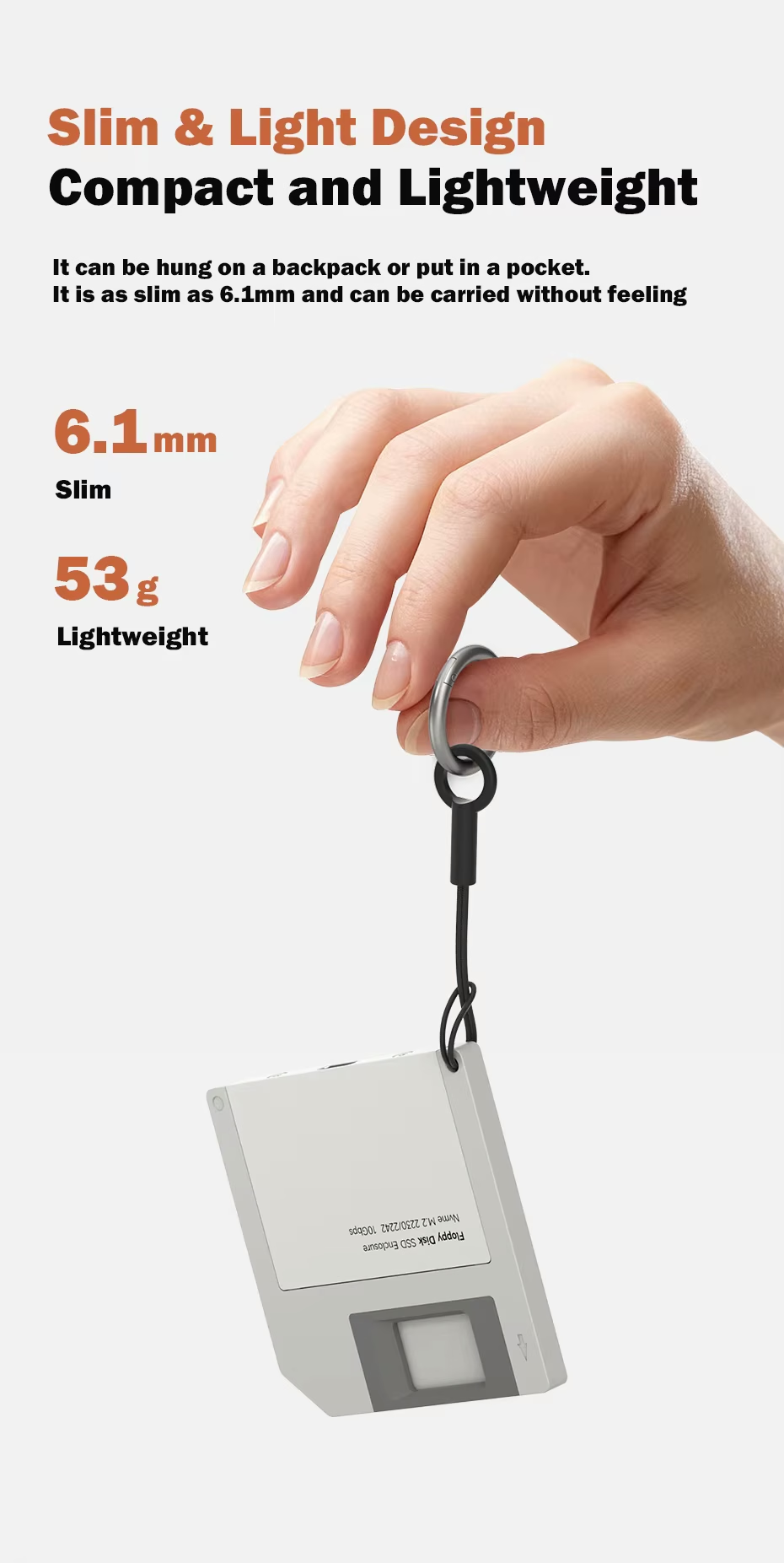
6.1 mm and 53 g: Fits in Any Pocket
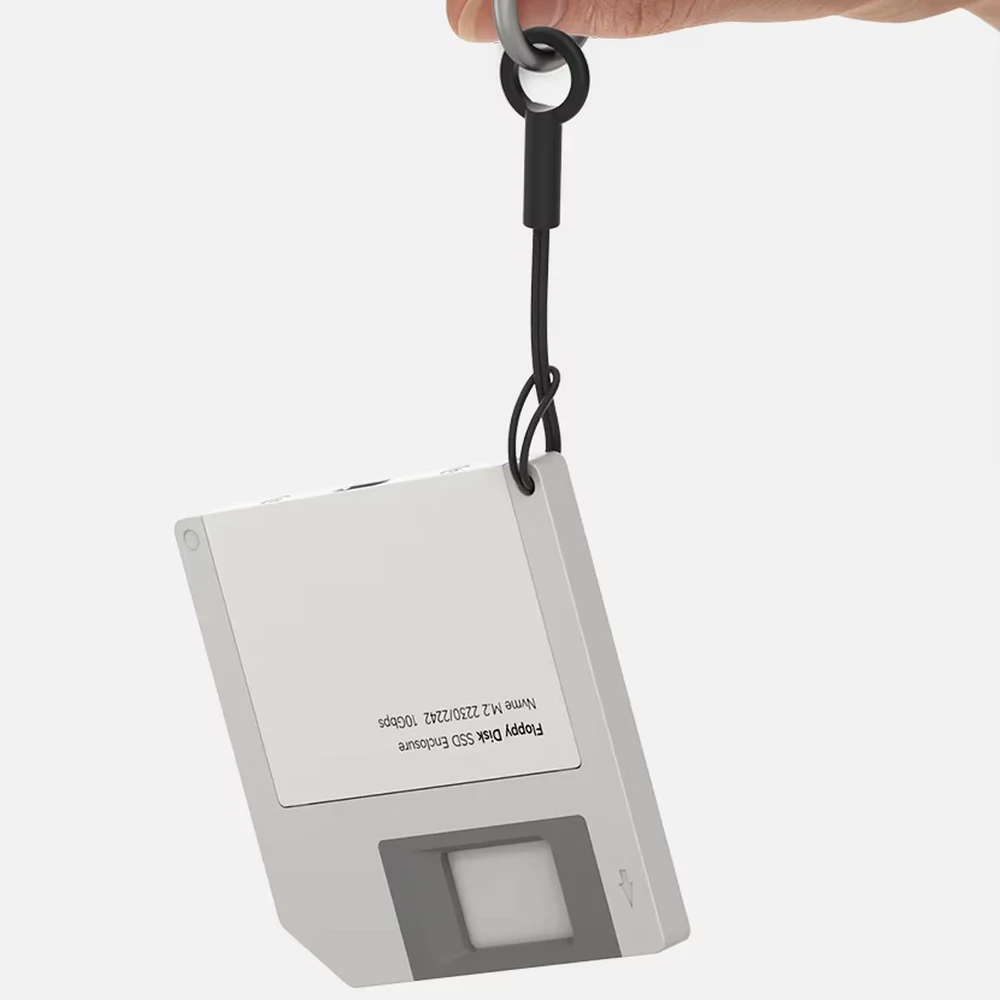
In fact, it's thinner than most phones. It also comes with a lanyard to hang it from your backpack or keychain, so you can carry it without even noticing.
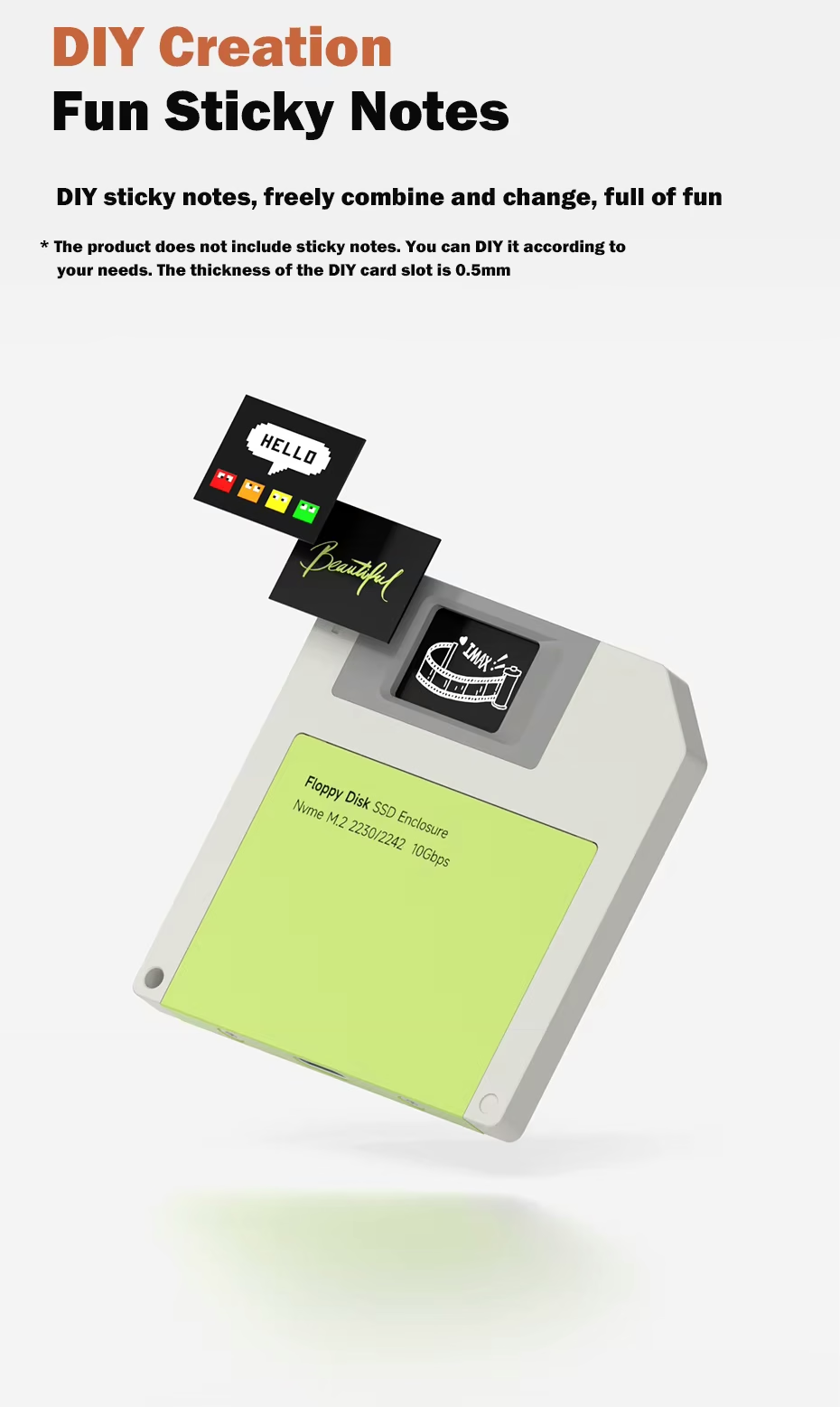
Customize It with DIY Cards
The front window measures 20 × 14 mm and fits cards up to 0.5 mm thick. That way, you can print a design, write what the drive is for, or give each one a different label. Cards are not included.
What Customers Are Saying
Most buyers give it 4 or 5 stars and especially highlight the floppy disk design and how slim it is.
However, before buying, make sure your SSD meets the size, connector, and thickness requirements, since an SSD that doesn't fit is the most common cause of problems with this type of enclosure.
Specifications
| Brand | Hagibis |
|---|---|
| Model | Floppy Disk SSD Enclosure |
| Interface | USB 3.2 Gen 2, up to 10 Gbps |
| Conector | USB-C |
| Controller chip | 9210CN |
| Compatible SSDs | M.2 NVMe 2230 and 2242, M Key and B&M Key |
| Material | Aluminum alloy |
| Dimensions | 68 × 68 × 6.1 mm |
| Weight | 53 g |
| DIY window | 20 × 14 mm, cards up to 0.5 mm |
| Colors | Gray, orange, and green |
What's Included
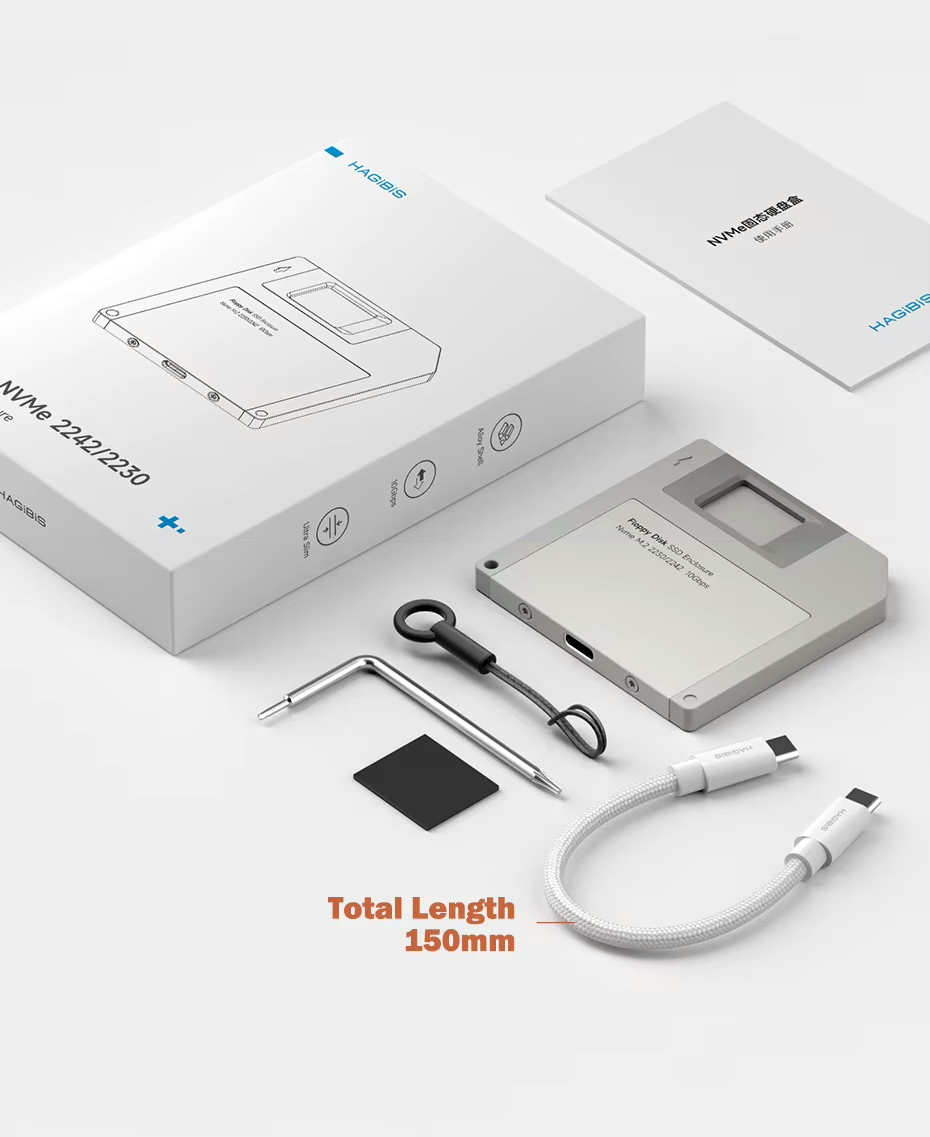
- Hagibis M.2 NVMe SSD enclosure.
- 15 cm USB-C to USB-C cable.
- Screw key.
- Thermal pad for the SSD.
- Lanyard.
- User manual.
SSD and DIY cards are not included.
Frequently Asked Questions
No. It's just the enclosure, so you'll need an M.2 NVMe 2230 or 2242 SSD bought separately or one you already have.
Yes. These consoles use M.2 NVMe 2230 SSDs, which is one of the supported sizes. That's why it's a great way to reuse the original SSD if you upgraded to a bigger one.
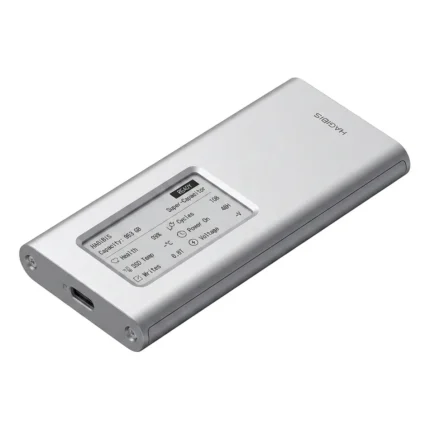
No, it only supports 2230 and 2242. Instead, if your SSD is 2280, you need a longer enclosure, like our SSD enclosure with an E-Ink display.
Yes, on iPhones with USB-C. On Pro models, you can record ProRes directly to the SSD. For that, avoid Western Digital SSDs, because the iPhone may disconnect them due to their power draw.
If it's new, yes. Format it as exFAT so it works on Windows, Mac, iPhone, and Android without extra software. If it already has files, back them up first, because formatting erases them.
| Weight | 0.10 kg |
|---|---|
| Dimensions | 13 × 9 × 2 cm |
| Color | Gray, Orange, Green |
Only logged in customers who have purchased this product may leave a review.
Related products









Reviews
Clear filtersThere are no reviews yet.