



HAGiBiS NVMe SSD Enclosure with E-Ink Display, 10Gbps
$6599
112 in stock
NVMe SSD Enclosure with E-Ink Display: Your SSD's Status Always in View
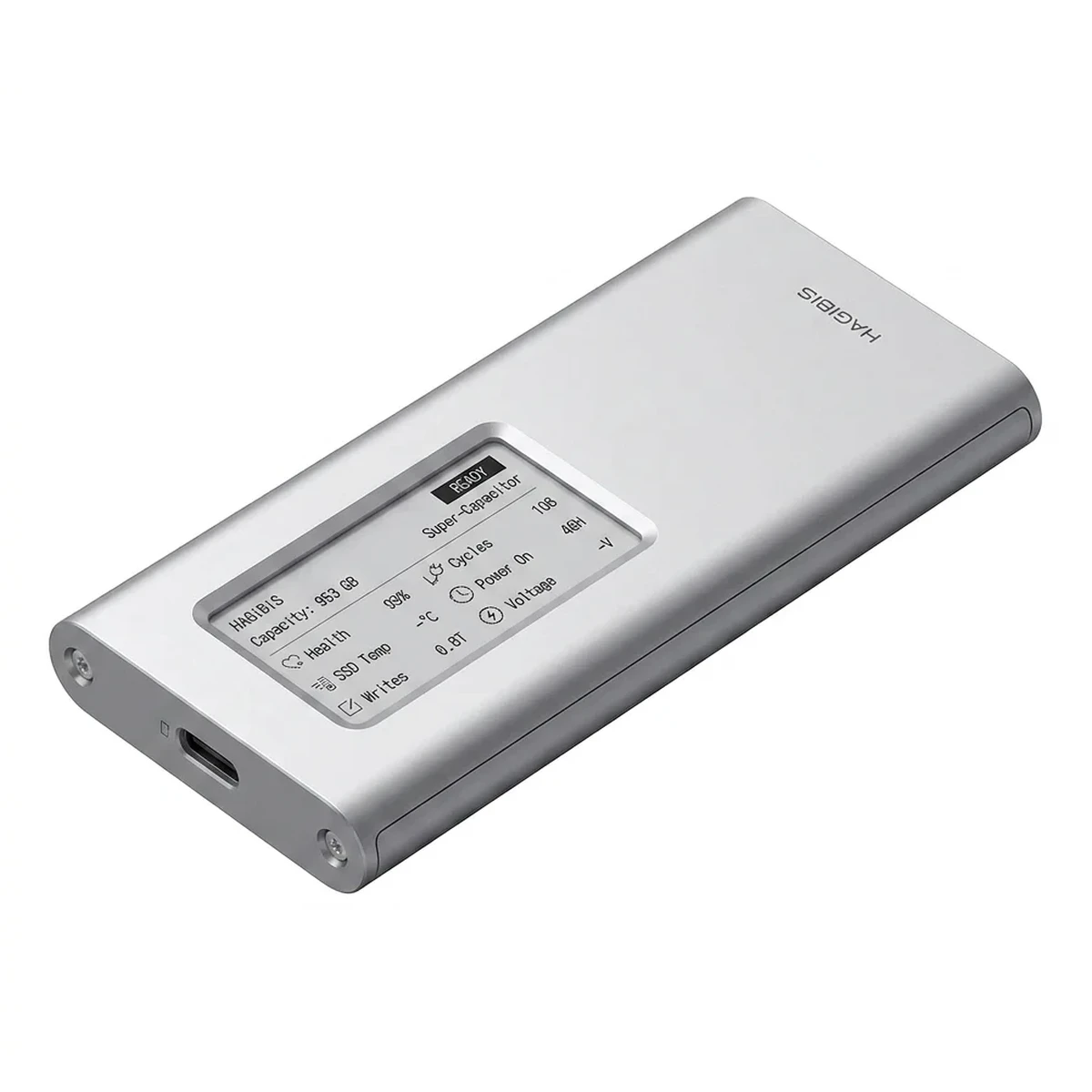
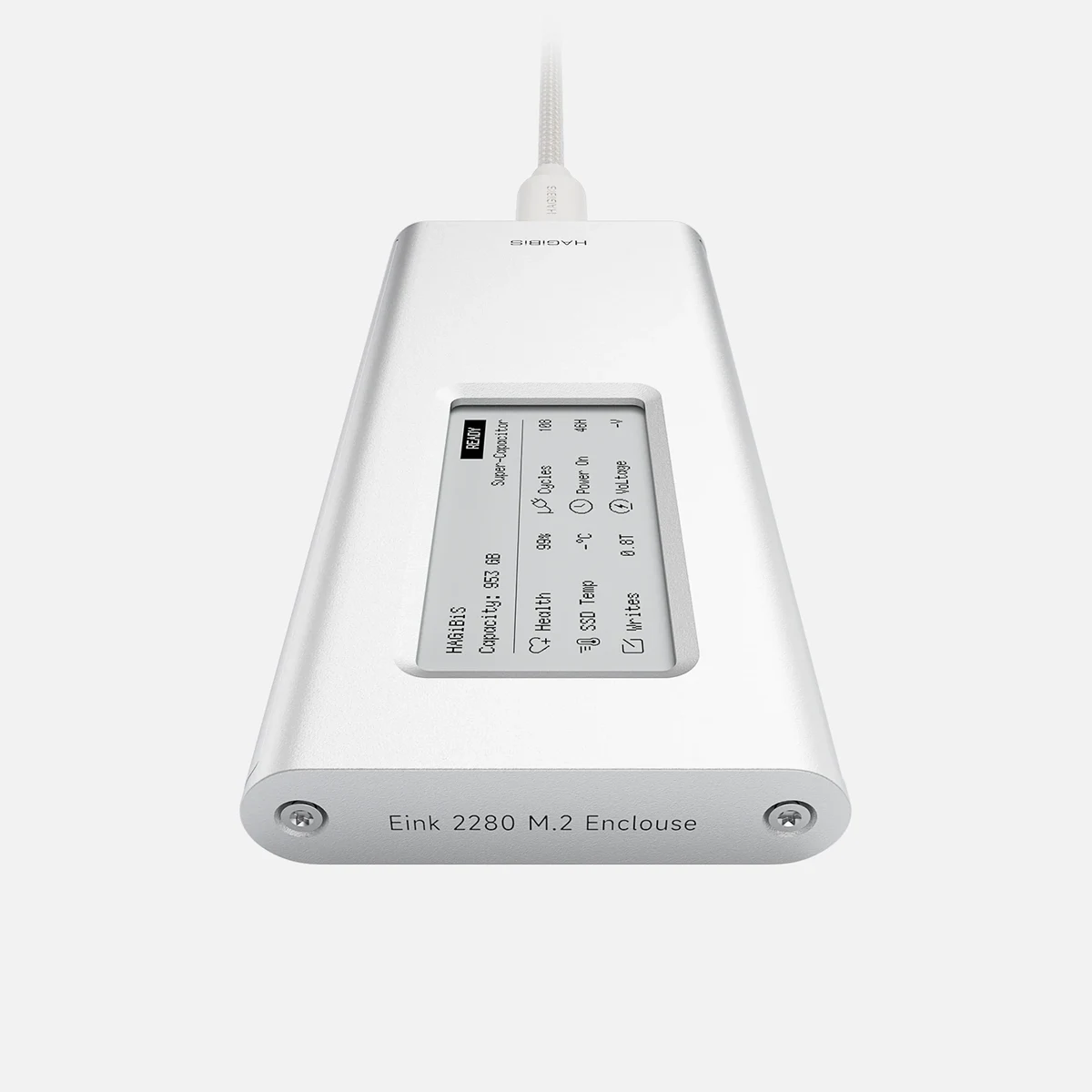
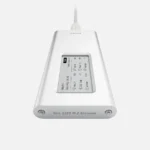
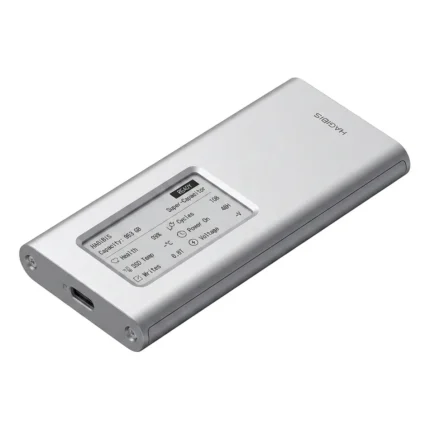
This HAGiBiS NVMe SSD enclosure with an E-Ink display turns your M.2 SSD into a portable external drive with a USB-C connection of up to 10Gbps. Its display also shows the drive's name, capacity, health, and temperature, even when it's unplugged.
If you work with several external drives, you know the problem: they all look the same, and you end up plugging them in one by one to figure out which is which. With this enclosure, you give your drive a name ("BACKUP", "VIDEOS", "CLIENT-A") and see it at a glance, without plugging it in.
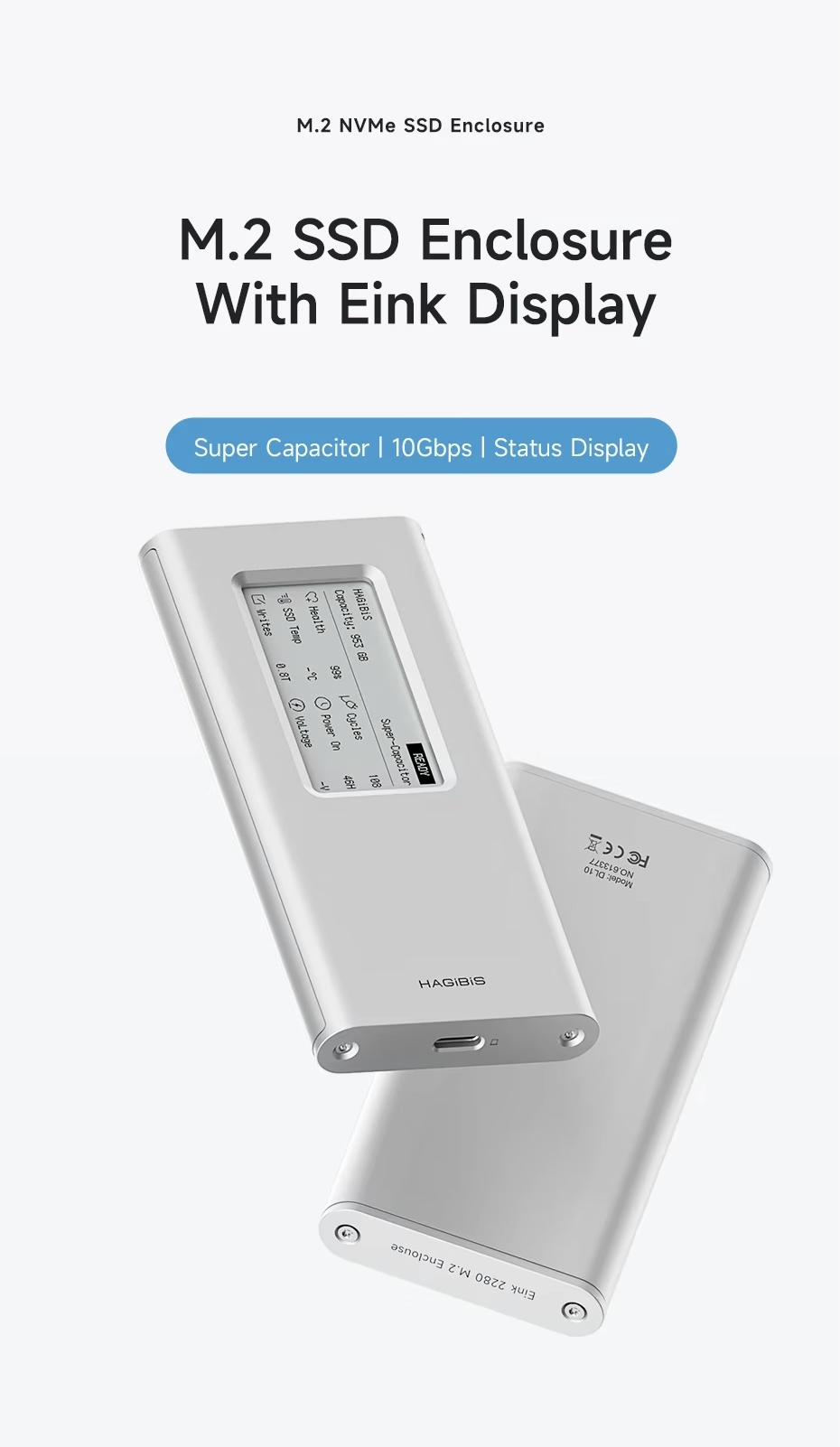
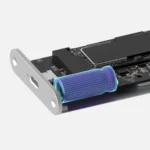
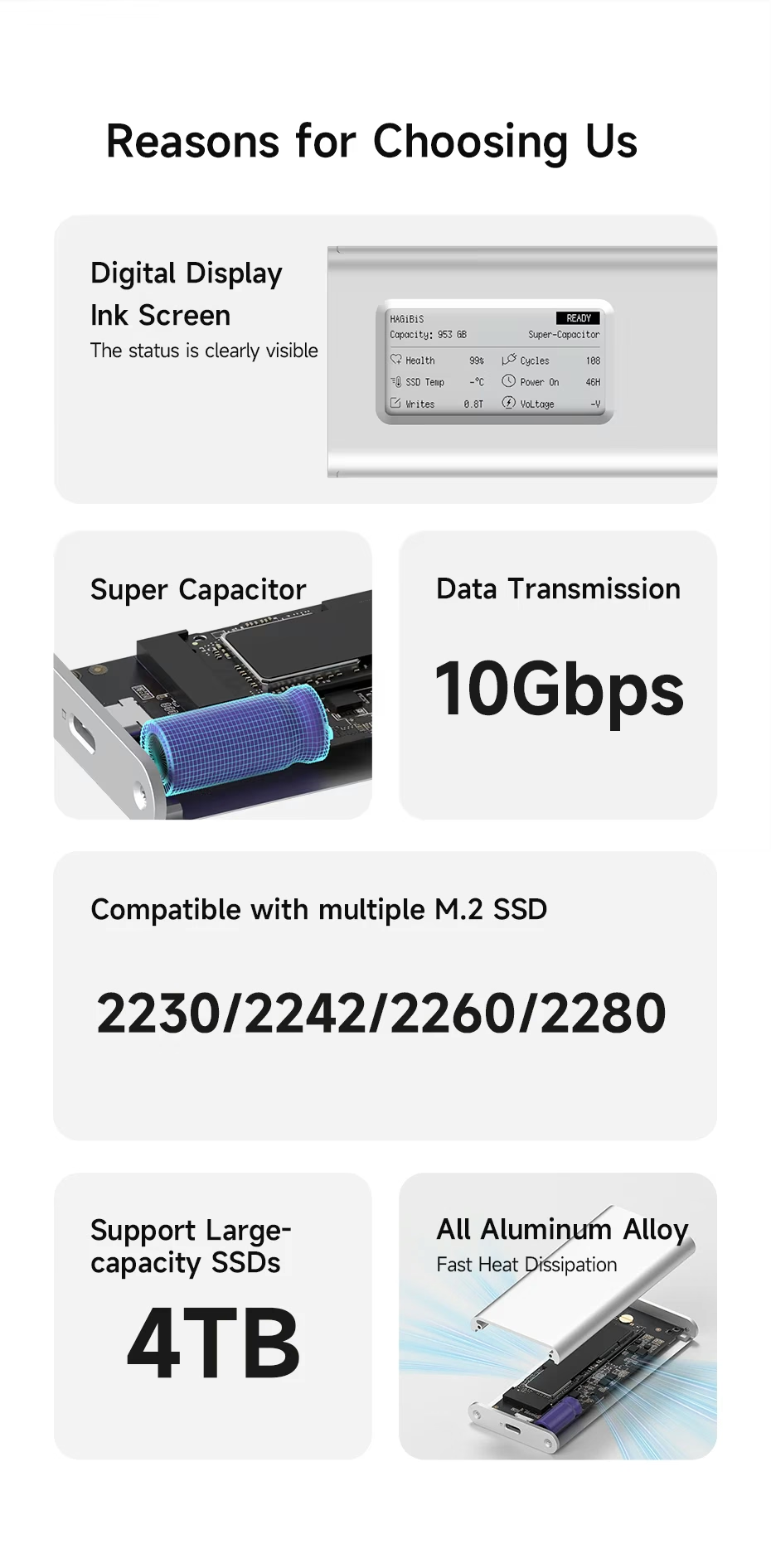
If you swapped your laptop, PC, or Steam Deck SSD for a bigger one, this enclosure turns the old one into a USB-C external drive with speeds up to 10Gbps. It supports M.2 NVMe SSDs from 2230 to 2280, with M Key or B&M Key, up to 4TB. Plus, the screen shows what's on it without plugging it in.
An NVMe SSD Enclosure with a Display That Fits in Your Pocket
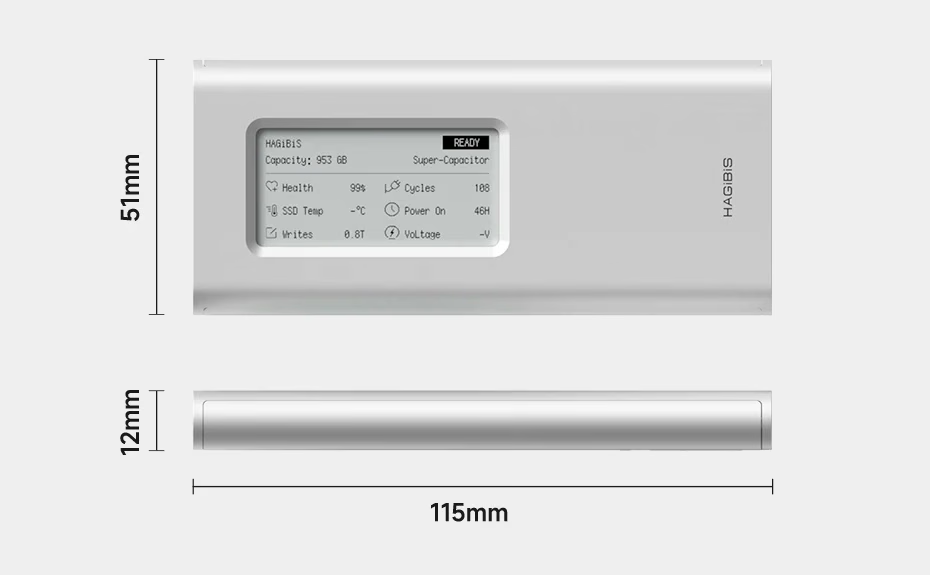
It combines an E-Ink display, a 10Gbps USB-C connection, a supercapacitor, and an aluminum body in a 115 × 51 × 12 mm enclosure weighing about 104 g. That makes it easy to carry in your pocket or laptop bag.
NVMe SSD Enclosure with E-Ink Display: Identify Every Drive Without Plugging It In
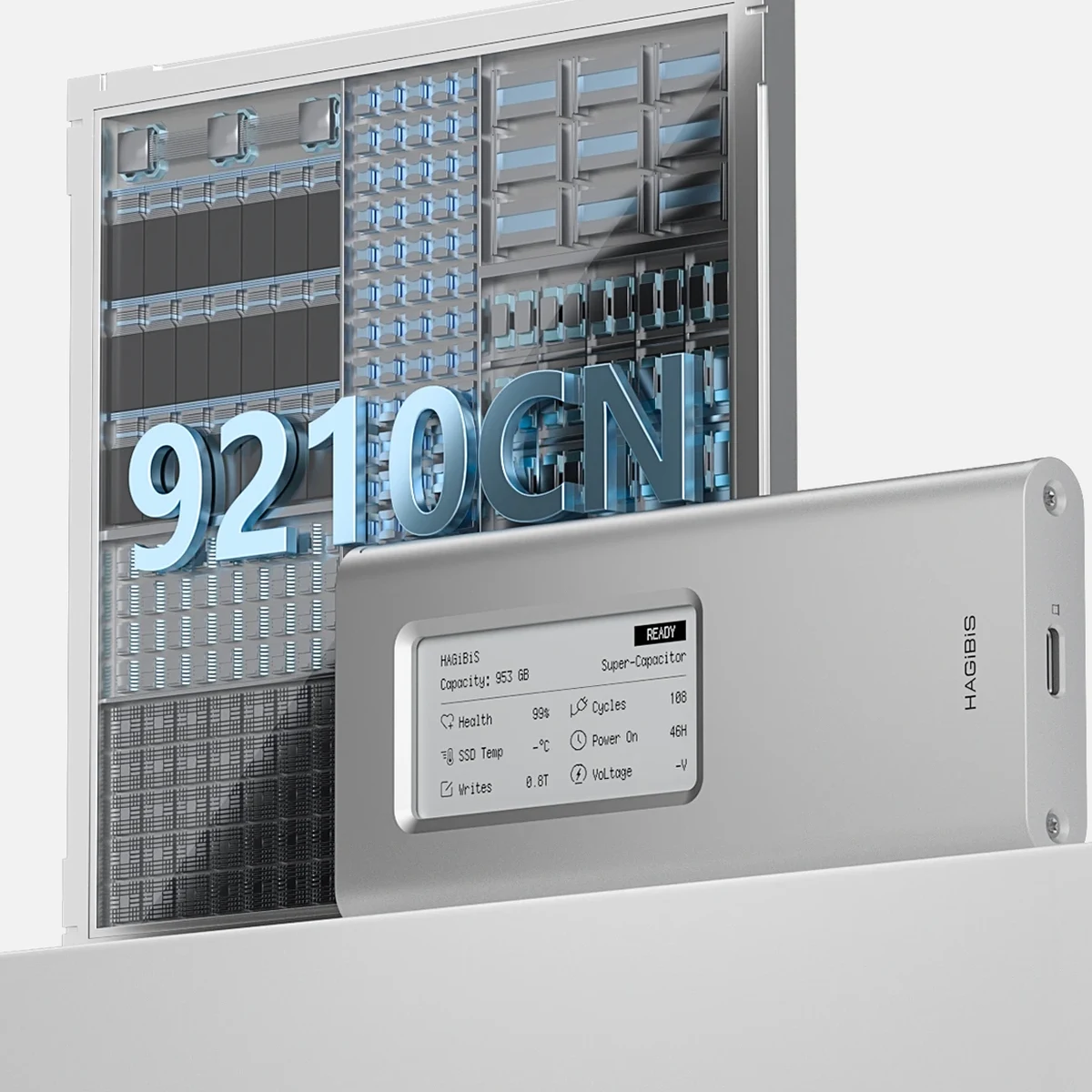
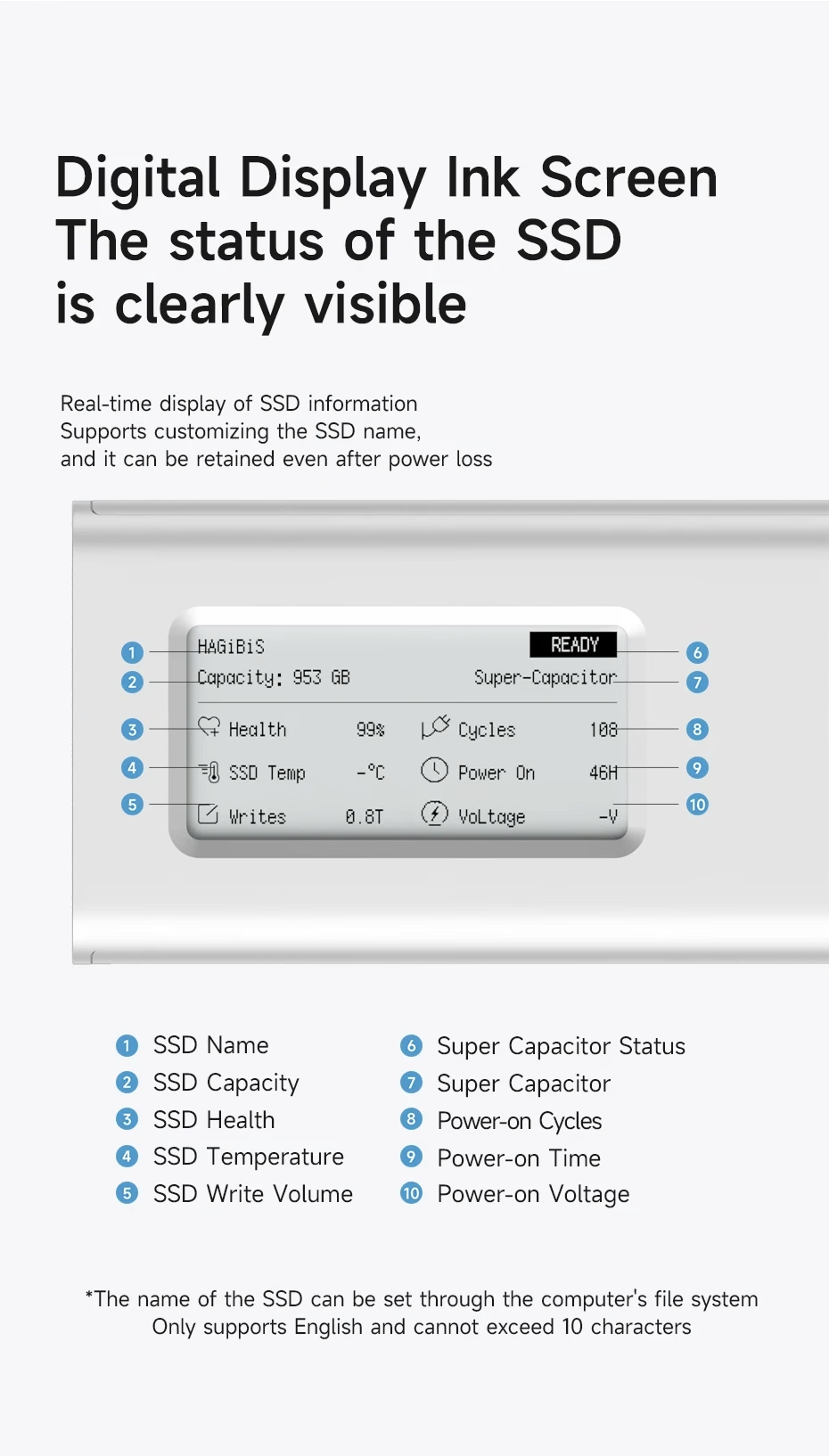
What sets it apart is how much information it shows. Along with the name, you'll see SSD health data you'd normally only check with software on your computer:
- Drive name and total capacity.
- SSD health status.
- Temperature.
- Total data written.
- Power cycles and power-on hours.
- Supply voltage.
E-Ink keeps the image without using power, so the information stays visible after you unplug the enclosure. No software is needed: you set the name from your computer's file system, using up to 10 characters in English only (no accents or special characters). Just note that if the SSD is new, you'll need to format it as exFAT first.
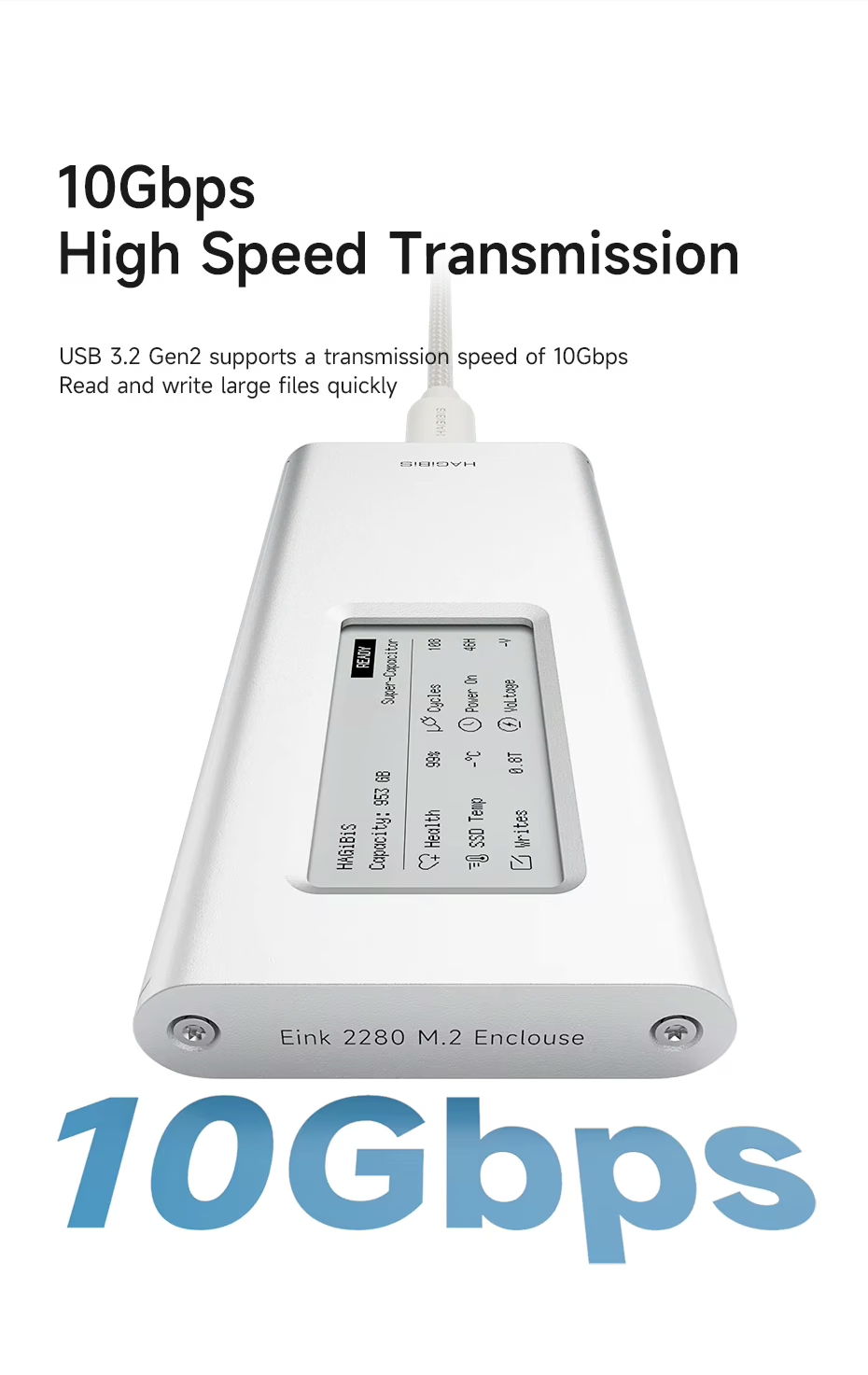
USB-C Connection of Up to 10Gbps (USB 3.2 Gen 2)
It's great for moving videos, large projects, and backups without long waits. However, actual speed depends on the SSD you install, your device's port, and the type of files: 10Gbps is the interface's maximum, not a guaranteed figure in every case. It also works with USB 3.1 Gen 1 and USB 3.0 ports, though at lower speeds.
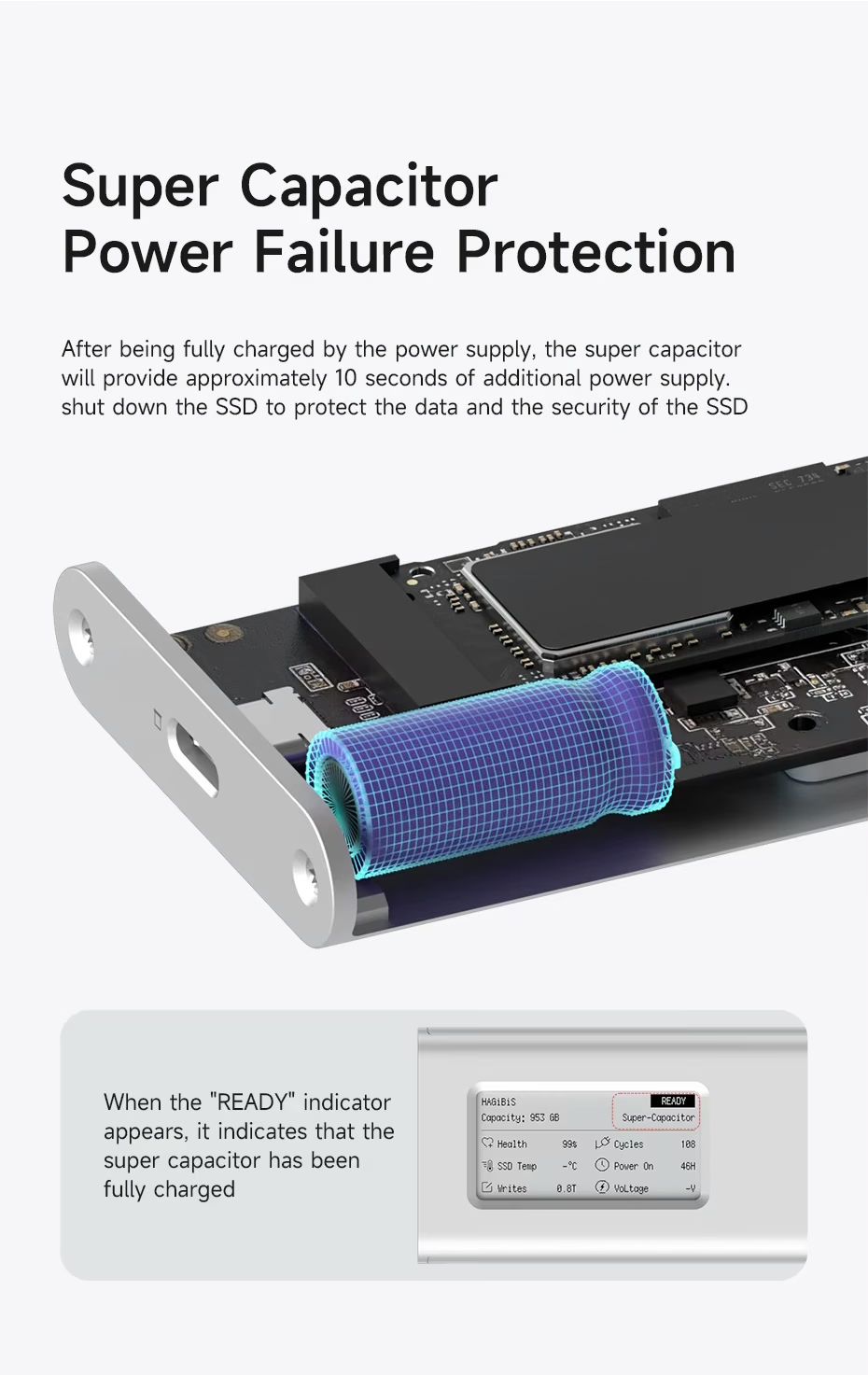
Supercapacitor: Protection If It Disconnects Suddenly
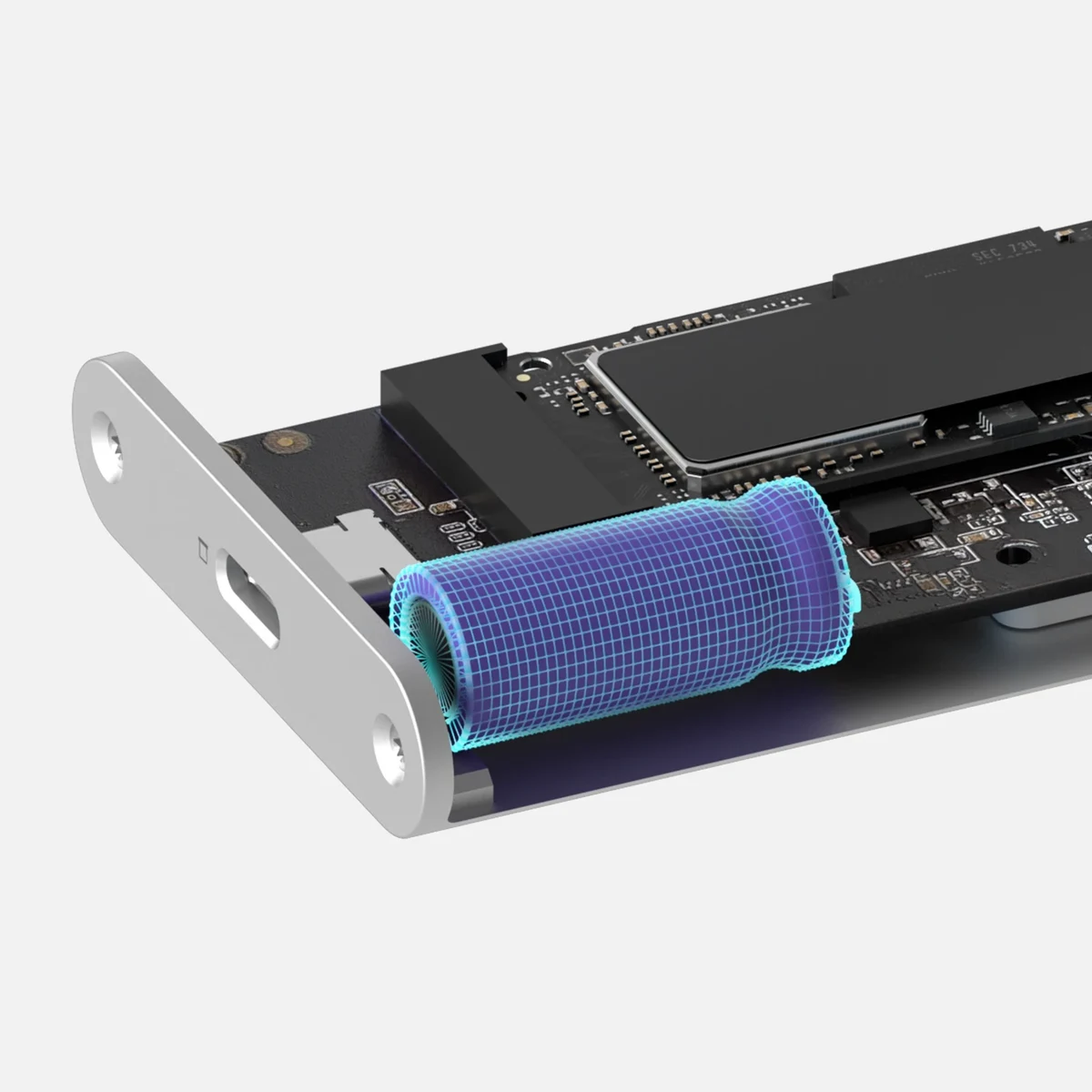
If the cable comes loose or the power goes out mid-transfer, the supercapacitor delivers about 10 seconds of power so the SSD can shut down safely. It takes 5 to 6 minutes to charge; when the display shows READY, it's good to go.
It lowers the risk during a power loss, but it's no substitute for safely ejecting the drive or keeping backups.
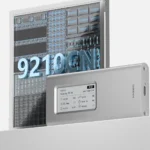
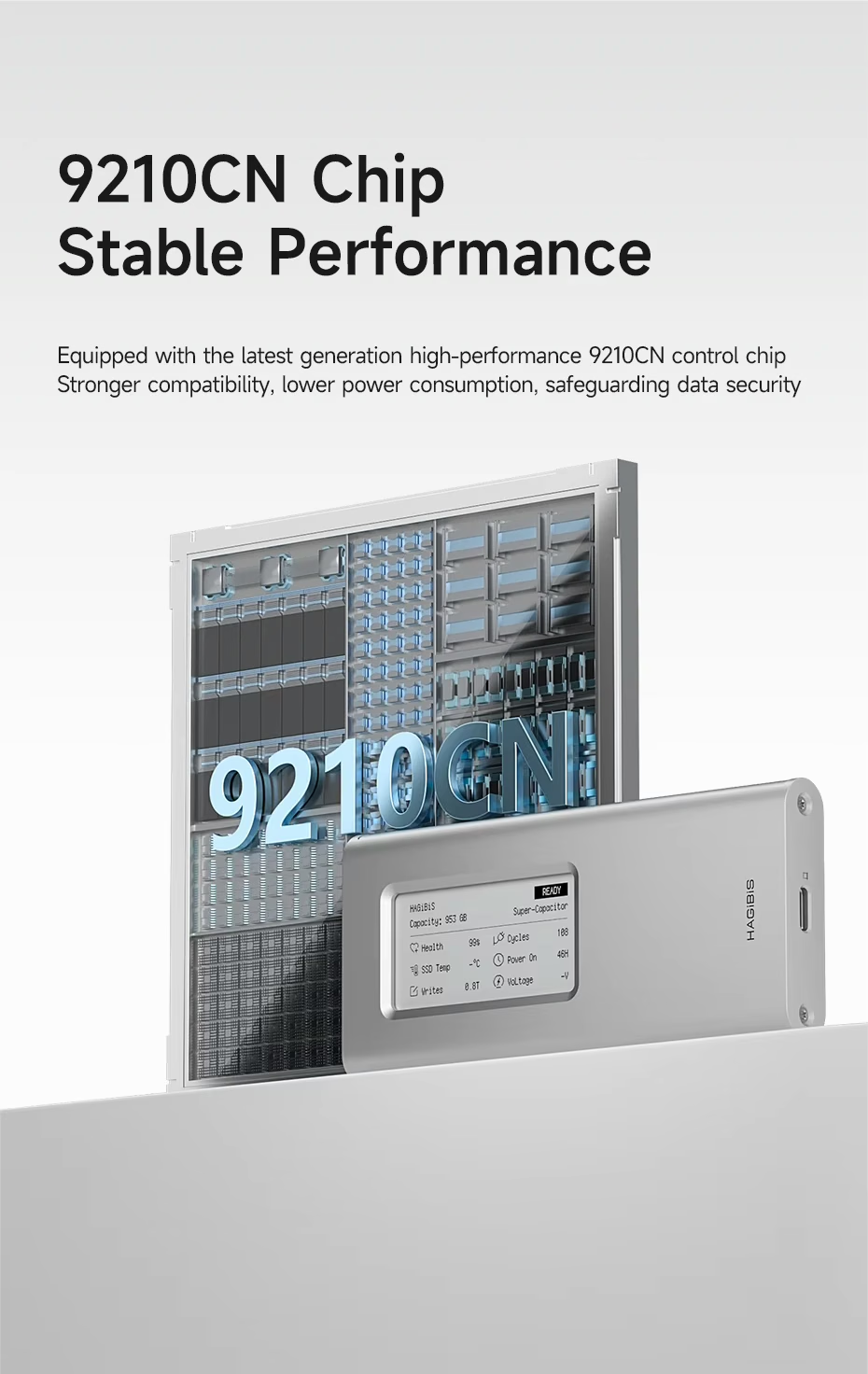
Realtek RTL9210CN Chip
The Realtek RTL9210CN controller chip is the bridge between your SSD and your device, and it's what enables the USB 3.2 Gen 2 interface of up to 10Gbps. It's designed for low power consumption and broad compatibility with USB-C devices.
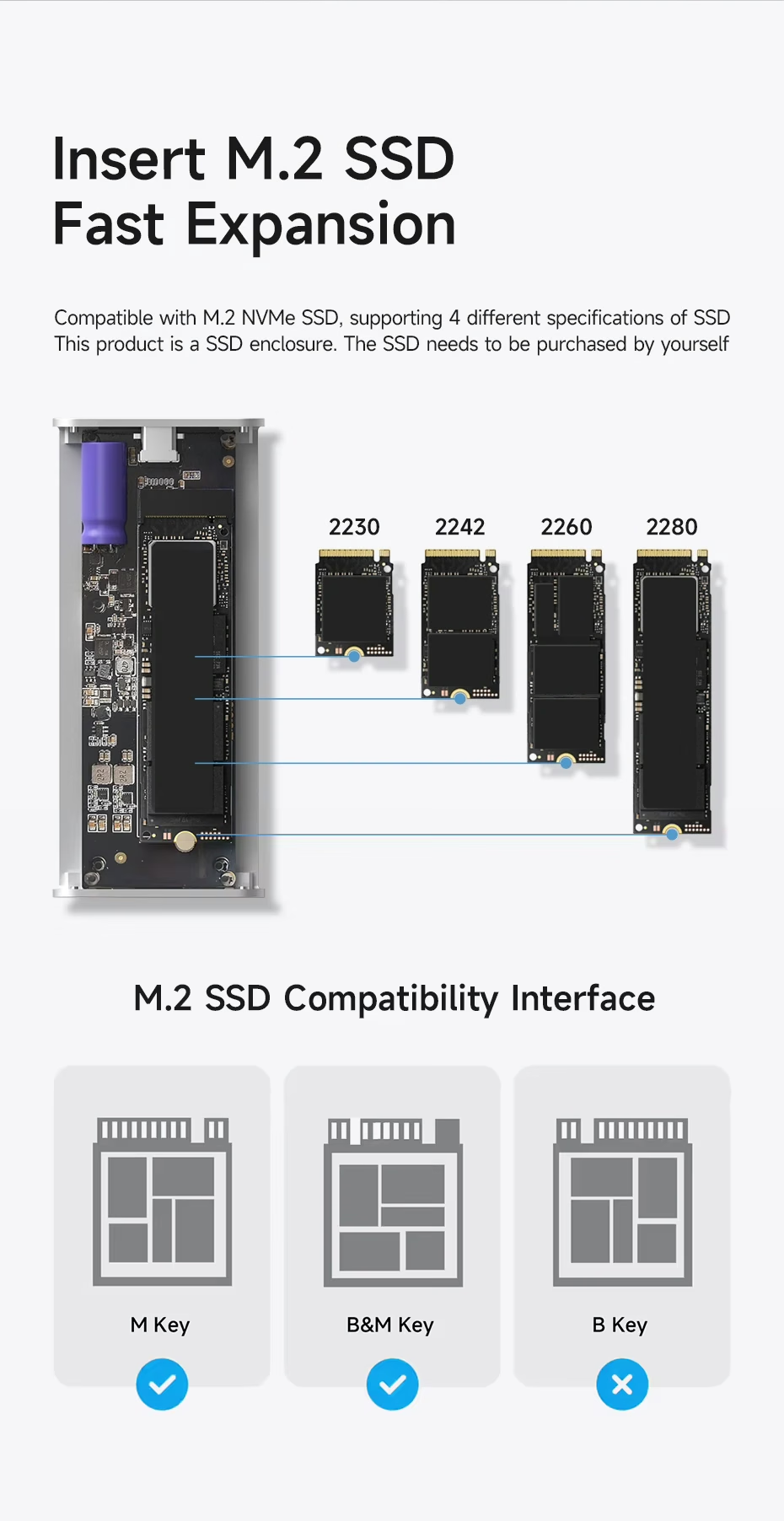
Which SSDs Does This NVMe Enclosure with a Display Support?
| Protocol | NVMe (M.2 PCIe) |
|---|---|
| Sizes | 2230, 2242, 2260 y 2280 |
| Compatible Keys | M Key and B&M Key |
| Not Compatible | B-Key-Only SSDs |
| Capacity | Up to 4TB |
| SSD Included | No, sold separately |
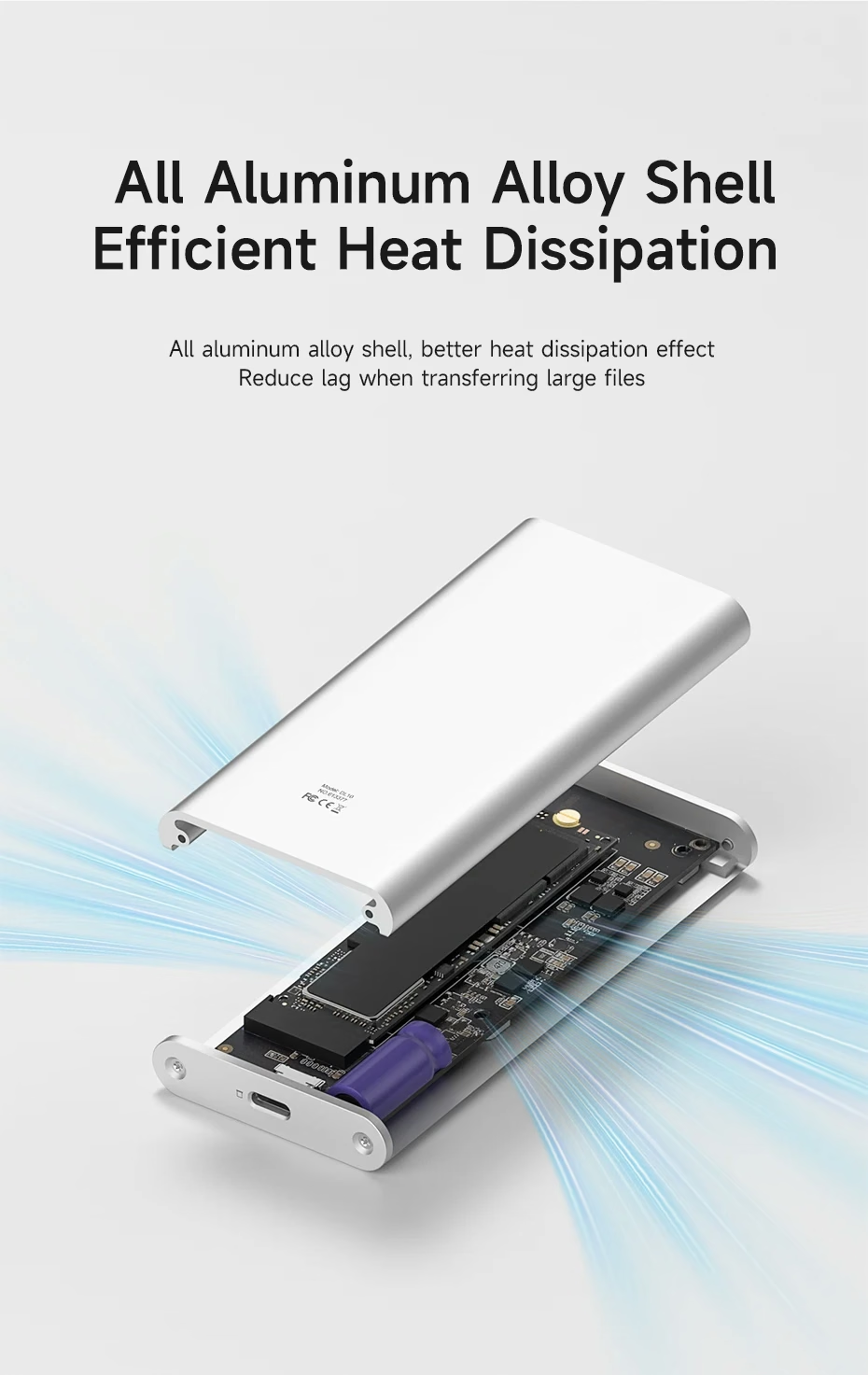
Aluminum Body for Heat Dissipation
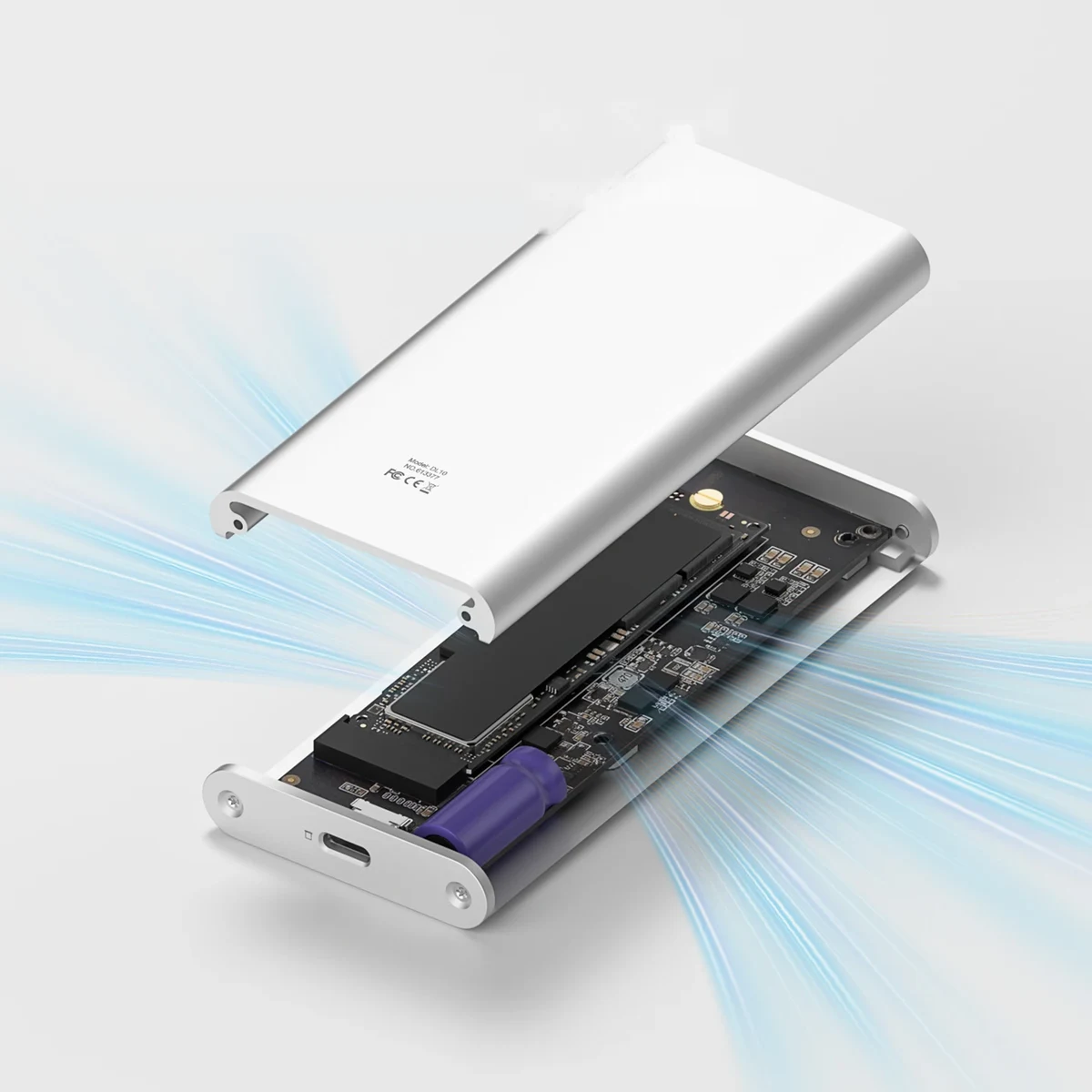
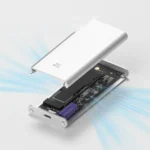
NVMe SSDs heat up during long transfers. That's why the full aluminum alloy body works as a heat sink, helping maintain stable performance when you copy large files or use the drive for extended periods.
An NVMe SSD Enclosure with a Display for Your Laptop, Tablet, or Phone
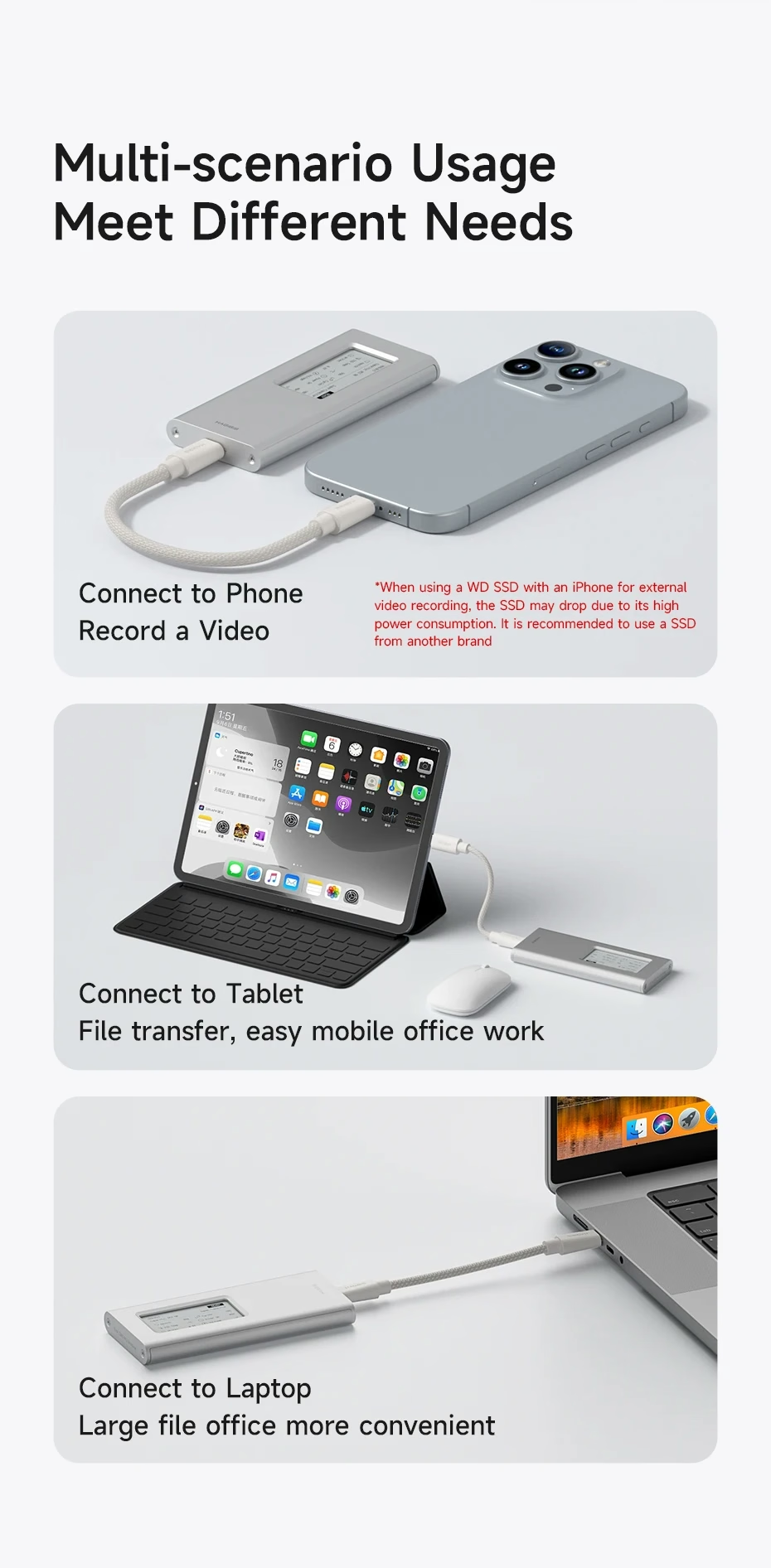
It works as an external drive with compatible laptops, tablets, and phones. For example, it's handy for carrying projects between devices, storing backups, or freeing up space on your phone.
If you record video on iPhone directly to the SSD: Western Digital SSDs may disconnect due to their high power draw. For that use, choose an SSD from another brand and check Apple's ProRes requirements.
What Customers Are Saying
As a recently launched model, there aren't many reviews yet, but the early ones agree: buyers especially praise the design and the E-Ink display, the quality of the aluminum body, and the great value for money.
Opinions on speed vary: some describe it as fast, others as average. This matches what we explained above: 10Gbps is the interface's maximum, and real-world performance depends on the SSD you install and your device's port.
Specifications
| Brand | HAGiBiS |
|---|---|
| Conector | USB-C |
| Interface | USB 3.2 Gen 2, up to 10Gbps |
| Controller chip | Realtek RTL9210CN |
| Material | Aluminum alloy, silver |
| Dimensions | Approx. 115 × 51 × 12 mm |
| Weight | Approx. 104 g |
| Cable | USB-C to USB-C, 0.15 m |
What's Included
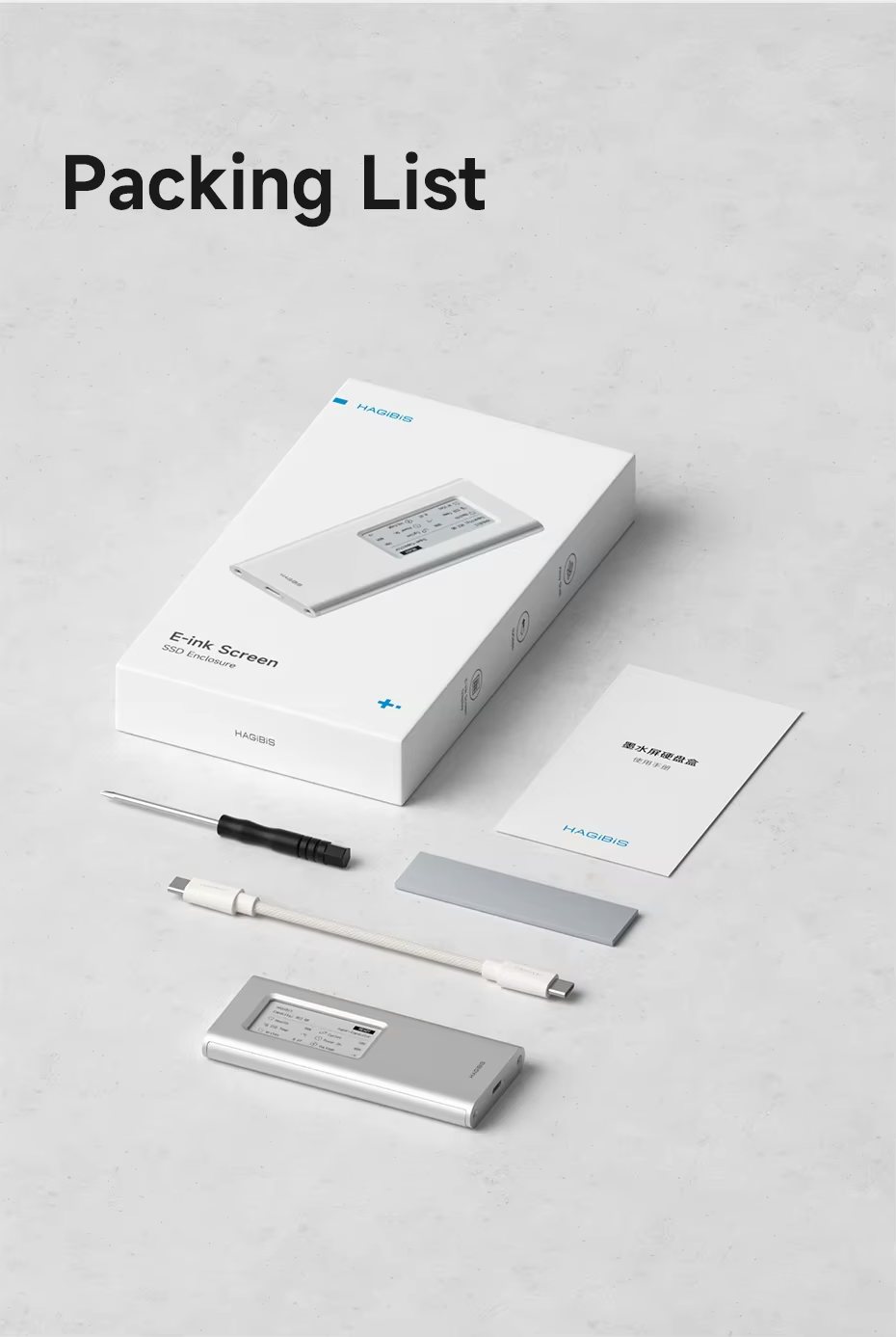
- M.2 NVMe SSD enclosure with E-Ink display.
- 0.15 m USB-C to USB-C cable.
- Screwdriver for installation.
- Thermal pad for the SSD.
- User manual.
The SSD is not included.
Frequently Asked Questions
No. It's just the enclosure, so you'll need a compatible M.2 NVMe SSD purchased separately.
It's designed for NVMe SSDs. B Key–only SSDs, on the other hand, aren't compatible.
Yes. E-Ink keeps the name displayed without power.
No. The E-Ink display shows your SSD's capacity, health, and temperature with no software or drivers. Just plug it in.
It works as an external drive with USB-C devices that recognize storage drives. If you install a new SSD, format it as exFAT first: it's the format Windows and Mac read without extra software. On phones and tablets, compatibility depends on whether the device supports external drives.
USB-C, with a USB 3.2 Gen 2 interface of up to 10Gbps. A USB-C to USB-C cable is included.
Not always. 10Gbps is the maximum for USB 3.2 Gen 2; actual speed depends on the SSD and your device's port.
No. The name supports English characters only, up to 10 characters.
You May Also Like
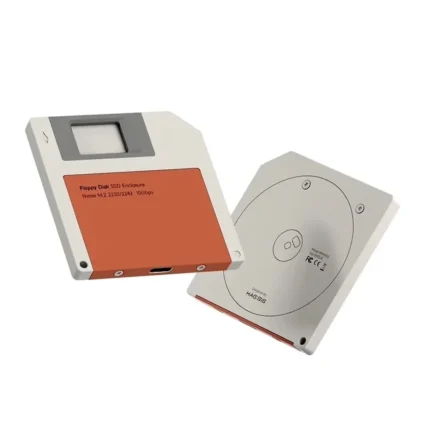
Prefer a design with more personality? Check out the HAGiBiS NVMe SSD enclosure with a floppy disk design.
You can also browse more products in our Electronics category.
If you're going to record iPhone video to an external SSD, check Apple's official ProRes documentation.
| Weight | 0.15 kg |
|---|---|
| Dimensions | 12 × 8 × 6 cm |
Only logged in customers who have purchased this product may leave a review.
Related products









Reviews
Clear filtersThere are no reviews yet.