How to Choose a Retro Handheld: A Step-by-Step Buying Guide
If you're wondering how to choose a retro handheld, the first thing to know is that almost all of them promise thousands of games. The real difference lies in the screen, the processor, the battery, and the system they come with. In this guide, we explain what to check in each area so you get it right the first time.
Check five things: an IPS screen of at least 3.5 inches, a processor that runs PlayStation 1 smoothly, a 3,000 mAh battery or larger, a design that feels comfortable to you, and a system like ArkOS. That gives you a smooth console that also lets you add your own games with no hassle.

How to Choose a Retro Handheld in 5 Steps
1. A Good-Sized IPS Screen
Retro games look better on an IPS screen because it keeps colors vivid even when you look at it from an angle. Also, 3.5 inches is a good starting point: it's big enough to read the text, yet the console still fits in your pocket. Check the resolution too. For example, 640 × 480 has the same 4:3 format as classic games, so the image doesn't look stretched.
2. A Processor That Runs the Games You Want
The processor determines which consoles you can emulate smoothly. 8-bit and 16-bit games run on almost any model; PlayStation 1, on the other hand, needs a chip like the RK3326. That's why, if you're dreaming of Nintendo 64, PSP, or Nintendo DS, read the reviews carefully, because with that processor some games run well and others stutter.
3. A Battery That Lasts Several Sessions
Look for at least 3,000 mAh, which usually gives you 4 to 5 hours of play. It also helps if the battery is replaceable, since it's the part that wears out first.
4. Design and Controls
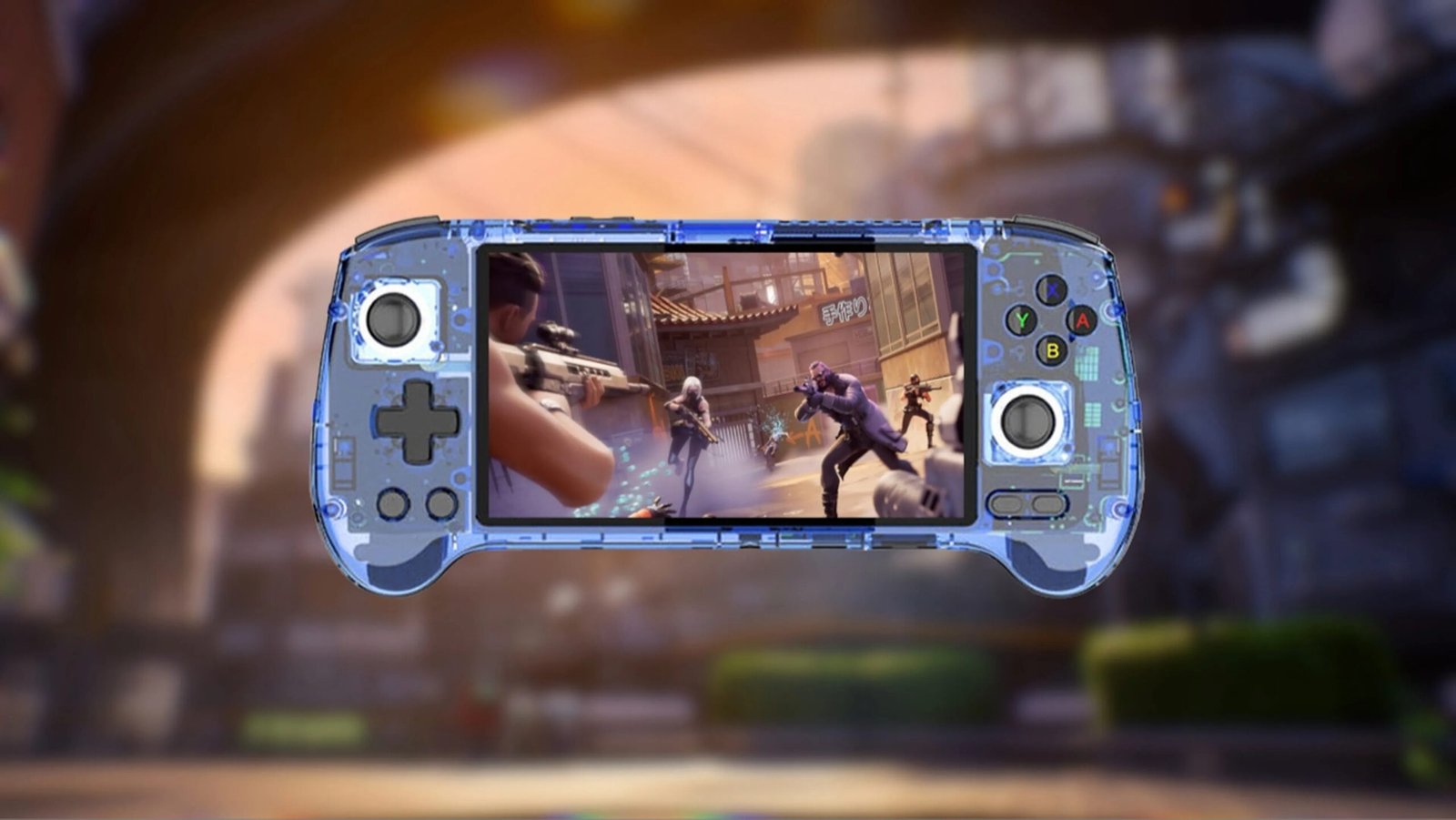
There are two designs: vertical, Game Boy style, and horizontal, controller style. The vertical design is more compact, while the horizontal one distributes the weight better in your hands and is more comfortable for joystick games. Also, make sure it has dual joysticks if you plan to play 3D PlayStation 1 titles.
5. An Easy-to-Use System
The operating system is what you see when you turn on the console. The most popular ones are ArkOS, JELOS, and ROCKNIX, all free and Linux-based. With them, you pick the console you want to relive from a menu, and to add games, you just copy them to the microSD card.
What Is ArkOS?
ArkOS is a free, open-source, Linux-based operating system created by the community for consoles with an RK3326 processor. It brings all the emulators together in a single menu, saves your progress, and lets you configure the controls for each console. That's why it became the go-to system on models like the R36S and R36H.
How to Choose a Retro Handheld Based on the Games You Want
Before you buy, think about which consoles you want to relive. This table shows which processor each one needs and how it runs on an RK3326:
Swipe the table to the left to see all columns →
| Consoles you want to play | Processor you need | How they run on an RK3326 |
|---|---|---|
| NES, Super Nintendo, Game Boy, and Sega Genesis | Any | No issues |
| Game Boy Advance and PlayStation 1 | RK3326 or better | Smooth |
| Nintendo 64, PSP, and Nintendo DS | One more powerful than the RK3326 | Depends on the game |
The Retro Handheld We Chose at Gizter
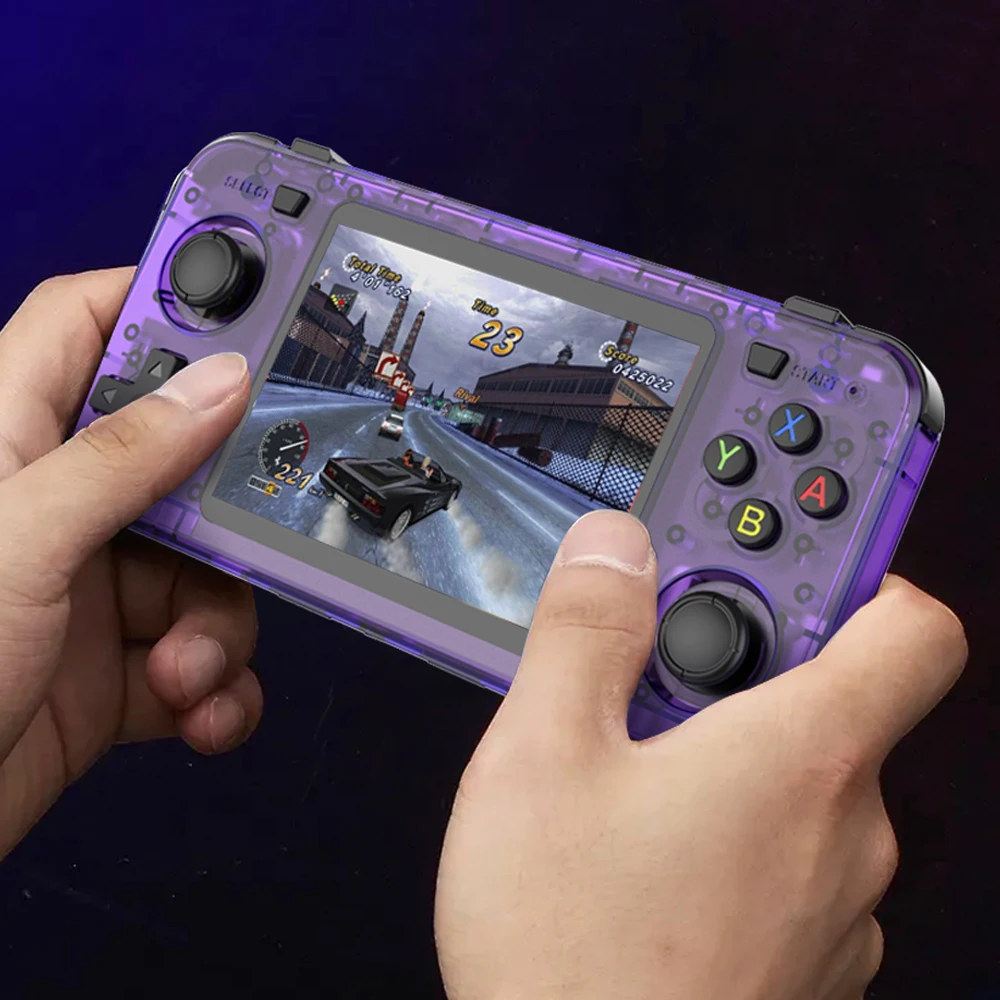
Using these criteria, we chose the R36H handheld retro console. It has a 3.5-inch IPS screen, an RK3326 processor, a replaceable 3,000 mAh battery, and a horizontal design with dual joysticks. It's also compatible with ArkOS, JELOS, and ROCKNIX, and comes with more than 10,000 games ready to play. Keep in mind it doesn't have an HDMI output, so you play it on its own screen.

Ready to Relive Your Favorite Classics?
The R36H comes with more than 10,000 games installed and is ready to play the moment you turn it on.
H2: Retro Handheld FAQs
It depends on how you play. The horizontal design is more comfortable for joystick games and long sessions, while the vertical one is more compact and looks like the original Game Boy.
No. It comes ready to play: just turn it on and choose the console and the game. You only need to copy games to the microSD card from a computer if you want to add your own.
Yes. Classic games have simple controls, the console doesn't need internet, and there are no in-game purchases. It's also a great excuse for parents to share the games they grew up with.